
|
Do it yourself
| |||
| ||||


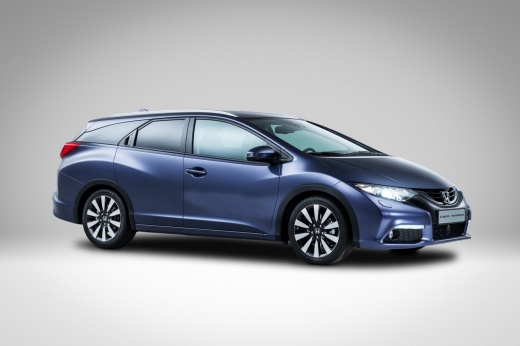
How to Set the Time on the Honda Civic?
Model: Honda Civic
MK 10
- Years:
2016, 2017, 2018, 2019, 2020, 2021
Video tutorial
In this tutorial, you will see how to set the time on the Honda Civic, a very simple and quick operation, for example, if you have replaced the battery or after switching to daylight saving time. First, go inside the cabin, then insert the key and turn on the ignition. Next, press the "Home" button located to the left of the display, enter "Settings", then "Clock", "Clock adjustment", and adjust both the time and the format as needed. At this point, save the setting by selecting "OK" and return to the main screen.
Updated on 23 September 2026 by ScegliAuto
Related tutorials
Honda Civic
(2016-2021 /
MK 10)
In the following article, we will show you how to adjust the time on the 2018 Honda Civic. This procedure takes little time to complete. To adjust th…

Honda Civic
(2016-2021 /
MK 10)
In this tutorial we can see how to adjust the time in the Honda Civic, an extremely simple and quick operation, to be carried out for example after t…

Honda Civic
(2022-2026 /
FL, FE, MK 11)
In this tutorial we can see how to adjust the time in the Honda Civic, an extremely simple and quick operation, to be carried out for example after d…
Other guides you may be interested in
|
How to Set the Clock on a Renault Master 3
This guide shows you how to set a new time on a Renault Master 3. Start by turning on the instrument cluster of the vehicle without starting the engine. Next, using the end of the right-hand steering column stalk, scroll through the options on the display until you reach 'set time', then press the down arrow button to make the displayed time blink. Once this is done, press and hold the down arrow button to change the hour, which you can adjust using the two arrow buttons at the end of the stalk. Once the correct hour is set, press and hold the down arrow button again to move to the minutes. After setting the correct time, restart the vehicle. by ScegliAuto More videos
|
|
For advertising on this site Write to info@scegliauto.com
ScegliAuto is not responsible for any inaccuracy of the data in the lists. To report any inaccuracy or your business (if you own the business in question), please write to info@scegliauto.com
Number of seconds to generate the page: 0.150
(c) ScegliAuto 2026 - info@scegliauto.com - Privacy policy VAT number: IT01247470535 |
