
|
Do it yourself
| |||
| ||||


How is the tire pressure warning light reset in the 2024 Hyundai i10?
Model: Hyundai I10
AI3, AC3
- Years 2019-2026
It couldn't have been easier, the reset of the tire pressure light on the 2024 Hyundai I10. This statement is confirmed by watching this video tutorial, very clear and easy to understand. After noticing the aforementioned light on the instrument panel, we check what happened, flat tire, punctured, etc., proceed to restore it and inflate it to the pressure set by the manufacturer, also written in the car's user manual and maintenance, as well as on the adhesive label located on the driver's door pillar. The cancellation of the aforementioned light is done by holding down the button located on the left of the steering wheel and waiting for the error to turn off after a few seconds.
Posted on 2 September 2025 by ScegliAuto
Video tutorial
Related tutorials
Hyundai I10
(2019-2026 /
AI3, AC3)
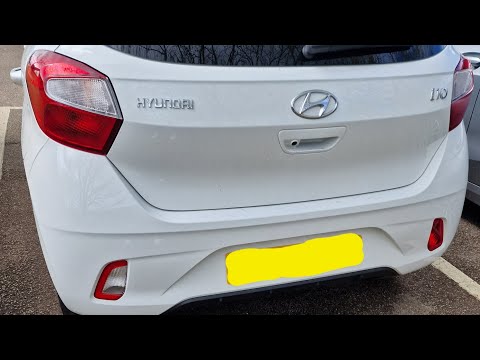
Today we will explain how to reset the tire pressure warning light on the Hyundai I10. The parameters related to tire pressure on an I10 vehicle are …
Hyundai I10
(2019-2026 /
AI3, AC3)
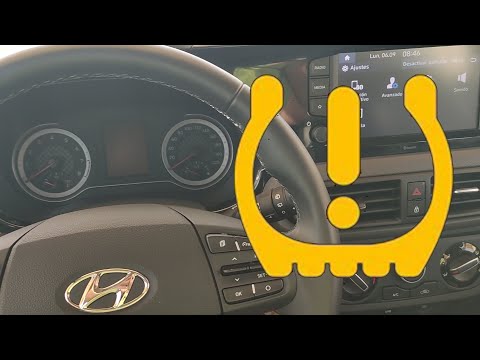
Today, we will learn how to reset the tyre pressure monitoring system (TPMS) light on the Hyundai I10. Before resetting, ensure all four tyres are at…
Hyundai I10
(2007-2013 /
PA, MK 1)
In today's video tutorial, we will see the steps to reset the tyre pressure monitoring system (TPMS) light on the third series Hyundai i10; before pe…
Other guides you may be interested in
|
How to Replace the Cabin Filter on the Opel Grandland X
If you own an Opel Grandland X and want to know the steps to replace the cabin air filter, carefully read the following guide and follow the described steps. First, enter the vehicle and go to the passenger side. Then, locate the box containing the air filter in the lower side area of the dashboard. Remove the cover of the box and finally replace the old filter with the new one. Refit the cover, and you are done. by ScegliAuto More videos
|
For advertising on this site Write to info@scegliauto.com
ScegliAuto is not responsible for any inaccuracy of the data in the lists. To report any inaccuracy or your business (if you own the business in question), please write to info@scegliauto.com
Number of seconds to generate the page: 0.142
(c) ScegliAuto 2026 - info@scegliauto.com - Privacy policy VAT number: IT01247470535 |
