
|
Do it yourself
| |||
| ||||


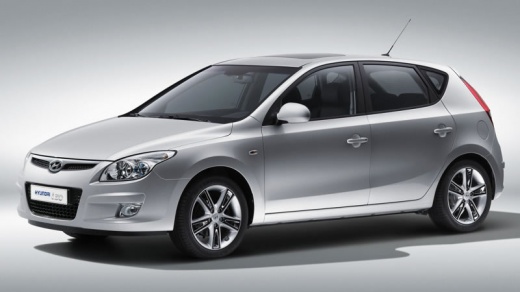
How to Remove the Centre Console in the Hyundai i30?
Model: Hyundai I30
MK 1, FD
- Years:
2007, 2008, 2009, 2010, 2011, 2012
Video tutorial
As shown in this tutorial, removing the centre console in the Hyundai i30 is an extremely simple and quick task. First, grasp the base of the gear lever gaiter and pull it upwards to disengage it. Next, unscrew the gear knob and remove the entire trim. Then, unscrew the newly exposed screws, followed by the screws located inside the small rear glove compartment and the others along both sides. At this point, you can separate the console from the floor pan and follow the reverse procedure to fit any replacement.
Updated on 29 June 2026 by ScegliAuto
Related tutorials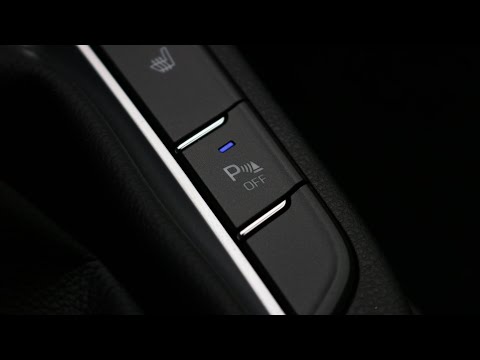
Hyundai I30
(2016-2024 /
MK 3, PD)
To deactivate the parking sensors of the Hyundai i30, first turn on the ignition and engine by engaging reverse gear: this will activate the sensors …
Hyundai I30
(2011-2016 /
GD, MK 2)
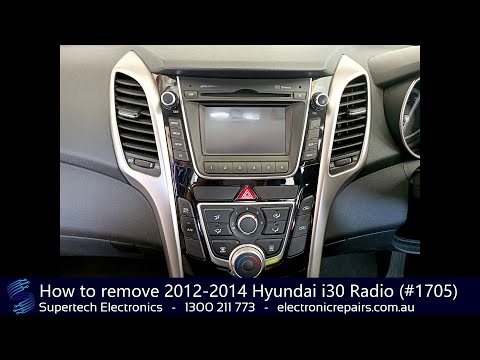
Today, follow these main instructions to remove the centre dashboard section, which includes the radio and climate control of the Hyundai I30. First,…

Hyundai I30
(2011-2016 /
GD, MK 2)
To connect your smartphone to the Bluetooth radio in a Hyundai i30, start by turning on the instrument cluster and activating the connection via the …
Other guides you may be interested in
|
How to reset the tyre pressure warning light on the Kia Niro EV?
To reset the tyre pressure warning light on the Kia Niro EV, inflate the tyres until they reach the correct pressure value. This value is indicated on the sticker attached to the driver's door pillar. Once the tyres are inflated, turn on the instrument cluster to check that the warning light has completely disappeared from the display. If it is still present, you may need to drive for a few miles to ensure it disappears completely from the screen. by ScegliAuto More videos
|
|
For advertising on this site Write to info@scegliauto.com
ScegliAuto is not responsible for any inaccuracy of the data in the lists. To report any inaccuracy or your business (if you own the business in question), please write to info@scegliauto.com
Number of seconds to generate the page: 0.022
(c) ScegliAuto 2026 - info@scegliauto.com - Privacy policy VAT number: IT01247470535 |
