
|
Do it yourself
| |||
| ||||


How to turn off the maintenance light on the Iveco Daily
Model: IVECO Daily
MK 5
- Years 2014-2024
In this video we see how to reset the maintenance light on the Iveco Daily in a very simple way. Of course, make sure to have completed all the services required by the vehicle before performing this reset. So, turn on the ignition and press the accelerator pedal all the way down for thirty seconds. After this time has passed, press the brake pedal fifteen times, also all the way down. Then turn off the instrument panel. Wait a moment, then turn on the panel and start the engine. The service light should now be off.
Posted on 30 August 2024 by ScegliAuto
Video tutorial
Related tutorials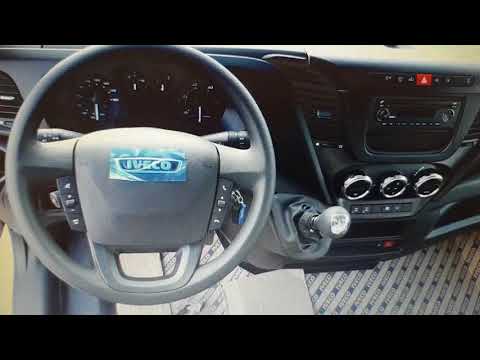
IVECO Daily
(2006-2020 /
MK 4)
After performing the mandatory routine maintenance on an Iveco Daily vehicle, it is necessary to reset the corresponding maintenance light. Let's sta…

IVECO Daily
Through this very short video tutorial today, we can see the diagram of the main fuse box of an Iveco Daily, a model in production from 2000-2006. Th…
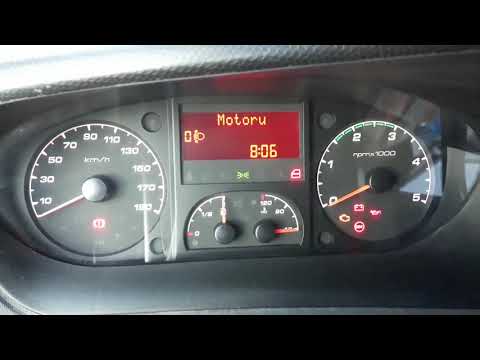
IVECO Daily
(2014-2024 /
MK 5)
When it is time to replace the engine oil of the Iveco Daily, a warning light on the dashboard alerts us to the need for this maintenance operation. …
Other guides you may be interested in
|
How to Replace the Fog Light Bulb on a Renault Scenic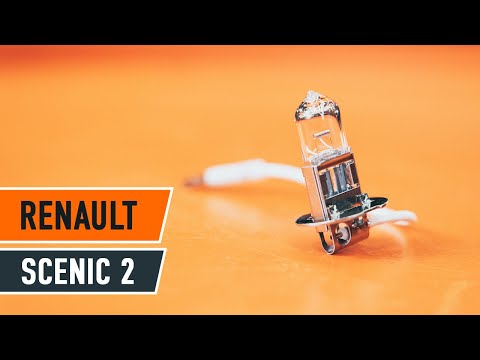
Let's see how to replace the fog light bulb on a Renault Scenic. Lift the car onto a column lift and secure it. Prepare to remove the plastic cover at the bottom of the engine using a suitable socket wrench, reaching the side fog light located in the bumper. After removing the bulb holder, take out the damaged bulb and fit a new one (same size and voltage). Refit the plastic cover under the car's bumper with the attached pins. Test the correct operation of the lights. by ScegliAuto More videos
|

|
For advertising on this site Write to info@scegliauto.com
ScegliAuto is not responsible for any inaccuracy of the data in the lists. To report any inaccuracy or your business (if you own the business in question), please write to info@scegliauto.com
Number of seconds to generate the page: 0.055
(c) ScegliAuto 2026 - info@scegliauto.com - Privacy policy VAT number: IT01247470535 |
