
|
Do it yourself
| |||
| ||||


How to Remove the Diesel Filter on a Land Rover Freelander
Model: Land Rover Freelander
Freelander 1
- Years 1997-2006
Let’s see how to remove and replace the diesel filter on a Land Rover Freelander: lift the vehicle on a column lift, locate the diesel filter as shown in the video and use a socket spanner to unscrew the securing bolts of the metal cover, then remove the support bolts near the container (disconnect the wires and various hoses from the filter) where the diesel filter is located. Once the filter is removed, take it out of the vehicle (replace it with a new filter). Finally, reassemble the filter to the attached diesel filter container (connect hoses and wires) and tighten the appropriate bolts. Close the bonnet at the end.
Updated on 3 March 2026 by ScegliAuto
Video tutorial
Related tutorials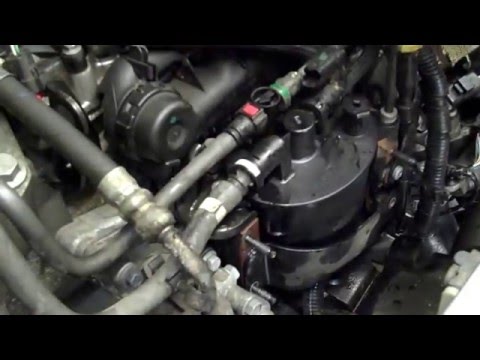
Land Rover Freelander
(2006-2016 /
Freelander 2)
Before you can begin, open the bonnet of your Land Rover Freelander. Start by unclipping and removing the upper engine cover. Next, disconnect the ho…
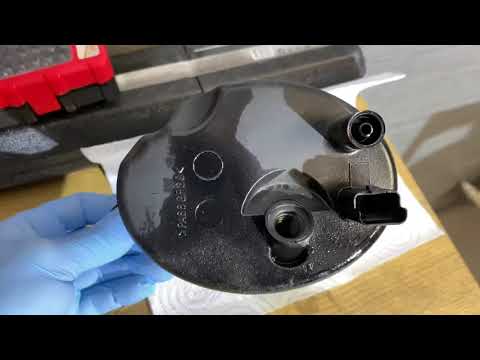
Land Rover Freelander
(2006-2016 /
Freelander 2)
In this video, you will see how to remove and replace the diesel filter on a Land Rover Freelander second series, in simple and quick steps. First, o…
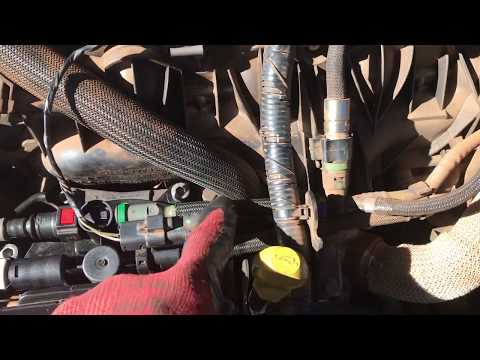
Land Rover Freelander
(2006-2016 /
Freelander 2)
Change the diesel filter on a Land Rover? Remove the diesel filter on Freelander 2. Lift the front bonnet of the car and locate the diesel filter ins…
Other guides you may be interested in
|
How to reset the tyre pressure warning light on the Dacia Sandero?
To reset the tyre pressure warning light on the Dacia Sandero, inflate all the tyres to the pressure indicated on the label on the driver's door. Once the tyres are inflated, turn on the ignition and navigate through the menu using the controls on the right side of the steering wheel. Scroll with the arrows to find the tyre pressure option: by holding down the OK button located on the right side of the steering wheel, you can reset the warning light. by ScegliAuto More videos
|
|
For advertising on this site Write to info@scegliauto.com
ScegliAuto is not responsible for any inaccuracy of the data in the lists. To report any inaccuracy or your business (if you own the business in question), please write to info@scegliauto.com
Number of seconds to generate the page: 0.102
(c) ScegliAuto 2026 - info@scegliauto.com - Privacy policy VAT number: IT01247470535 |
