
|
Do it yourself
| |||
| ||||


How to Replace the Rear Brake Pads on a Range Rover Evoque
Model: Land Rover Evoque
L538, MK 1
- Years 2011-2018
How to replace the rear brake pads on a Range Rover Evoque? Let's see. Lift the vehicle on a column lift to the desired height, then remove the wheel (using a socket wrench) with the respective bolts. Unscrew the caliper lock bolt, then remove the caliper from the brake disc bracket. Use a screwdriver to detach the pads from the wheel hub caliper. Attach the new pads to the brake caliper. Reinstall the brake caliper with the bracket onto the brake disc, tighten all bolts, and mount the wheel. Prepare to perform the same operations on the other calipers if they need replacement.
Updated on 14 March 2026 by ScegliAuto
Video tutorial
Related tutorials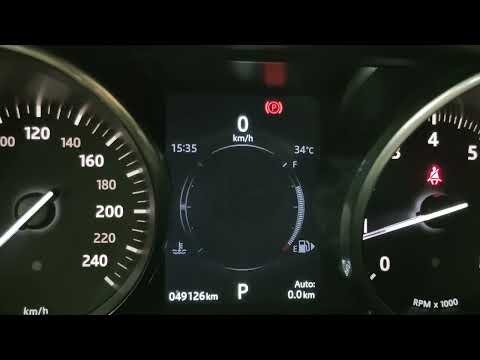
Land Rover Evoque
(2011-2018 /
L538, MK 1)
Today, let's go through the steps to reset the tire pressure light on the Land Rover Range Rover Evoque. First, get in the vehicle and turn on the ig…
Land Rover Evoque
(2011-2018 /
L538, MK 1)
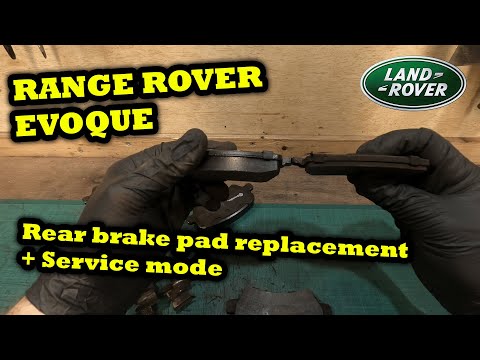
Let's discover the procedure needed to remove and replace the rear brake pads on the Land Rover Evoque. First, lift the vehicle and remove the rear w…

Land Rover Evoque
(2011-2018 /
L538, MK 1)
In this new mini guide, we will help you complete the procedure that allows you to manually reset the service light on the instrument panel of your f…
Other guides you may be interested in
|
How to open the fuel tank door in the Hyundai I20?
In this tutorial we can see how to open the fuel tank door in the Hyundai I20, a very simple operation similar to the typical procedure of many vehicles. First of all, let's go inside the cabin, it is not necessary to insert the key or unlock all the locks, then we locate and operate the lever located in the lower left area of the cabin, right next to the driver's seat. Once we have done this, we exit the vehicle, open the door completely and unscrew the fuel tank cap. To close the door, simply press it gently until you hear a click. by ScegliAuto More videos
|
|
For advertising on this site Write to info@scegliauto.com
ScegliAuto is not responsible for any inaccuracy of the data in the lists. To report any inaccuracy or your business (if you own the business in question), please write to info@scegliauto.com
Number of seconds to generate the page: 0.092
(c) ScegliAuto 2026 - info@scegliauto.com - Privacy policy VAT number: IT01247470535 |
