
|
Do it yourself
| |||
| ||||


Where is the OBD port located on the Land Rover Freelander?
Model: Land Rover Freelander
Freelander 1
- Years 1997-2006
If you own a first-generation Land Rover Freelander and are wondering where the OBD port is located, then all you have to do is read the following guide and follow the few simple steps described. First, enter the car from the driver's side and then completely turn off your Land Rover Freelander if you haven't already done so. At this point, bend down in the lower area of the dashboard and locate the OBD port you were looking for on the right side. Immediately after locating it, you can connect a compatible diagnostic tool to it.
Posted on 29 July 2024 by ScegliAuto
Video tutorial
Related tutorials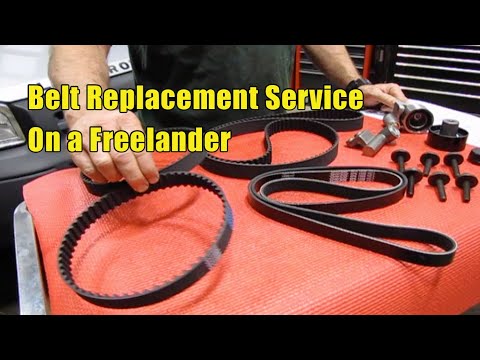
Land Rover Freelander
(1997-2006 /
Freelander 1)
Before you begin, open the front bonnet of your Land Rover Freelander. Start by unclipping and removing the auxiliary belt cover. This will also expo…
Land Rover Freelander
(2006-2016 /
Freelander 2)
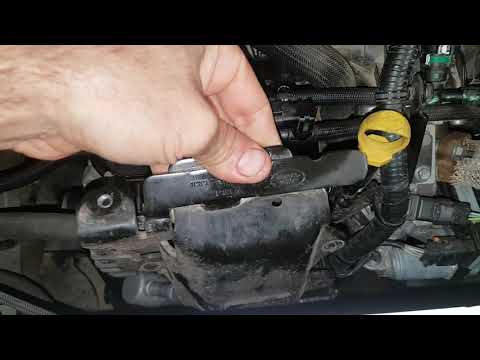
In this video, you can see where the fuel filter is located in the Land Rover Freelander 2, useful if you need to clean or replace it directly. As sh…
Land Rover Freelander
(2006-2016 /
Freelander 2)
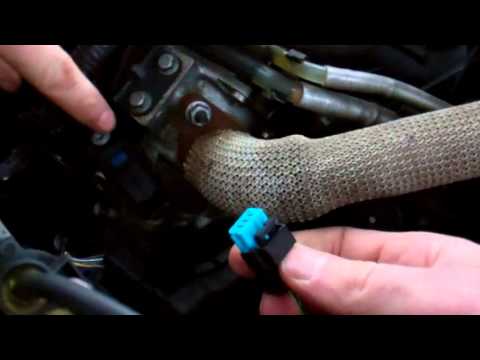
This video clearly describes the procedure for removing and replacing the EGR valve in a Land Rover Freelander 2. After opening the bonnet and removi…
Other guides you may be interested in
|
How to Remove the Front Bumper of the Citroën C4 Picasso?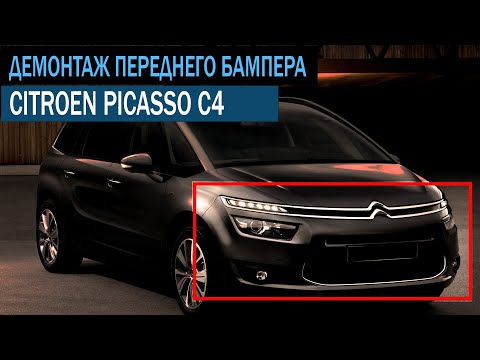
To remove the front bumper of the Citroën C4 Picasso, you need to take out all the rivets and screws that secure the piece to its housing: these screws are located inside the wheel arches of the front wheels and at the central upper part of the bumper itself. Once all these fastening elements have been removed, you can detach the bumper from its seat by disconnecting the connectors inside and then insert the new replacement part. The new part can then be secured and connected properly, ensuring it is correctly fixed in place. by ScegliAuto More videos
|
|
For advertising on this site Write to info@scegliauto.com
ScegliAuto is not responsible for any inaccuracy of the data in the lists. To report any inaccuracy or your business (if you own the business in question), please write to info@scegliauto.com
Number of seconds to generate the page: 0.485
(c) ScegliAuto 2026 - info@scegliauto.com - Privacy policy VAT number: IT01247470535 |
