
|
Do it yourself
| |||
| ||||


How to remove the phone holder from the dashboard of the Lexus IS
Model: Lexus IS
MK 3
- Years 2013-2024
The following video tutorial will show us the steps to remove the 3M adhesive from the dashboard of the Lexus IS. The 3M adhesive is used to stick the phone holder to the dashboard. We sprinkle the base of the adhesive with car leather balm and, using a spatula, lift the adhesive. After removing the adhesive, we eliminate any residues using adhesive remover solvent and a microfiber cloth. These steps can be performed on all types of vehicles, but it is important to understand which substances to use based on the surface on which the adhesive is present, as the solvent is not suitable for the bodywork.
Posted on 30 January 2025 by ScegliAuto
Video tutorial
Related tutorials
Lexus IS
(2005-2013 /
MK 2)
In this tutorial we can see how to reset the tire pressure light in the Lexus IS 250, an extremely simple and quick operation, to be done only after …
Lexus IS
(2005-2013 /
MK 2)
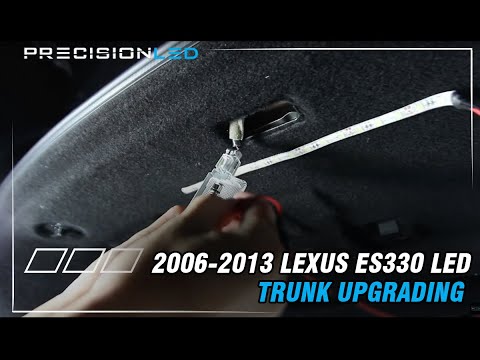
Installing an LED strip in the boot will certainly improve visibility. Essentially, you need to identify where to attach the strip and power it. The …
Lexus IS
(2005-2013 /
MK 2)
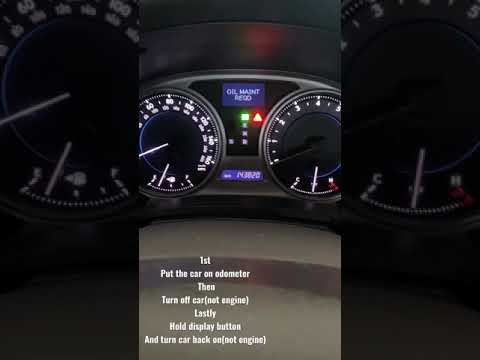
Resetting the oil or service light on a 2008 Lexus IS vehicle after performing maintenance is a very simple and quick procedure. First, turn on the v…
Other guides you may be interested in
|
How to Replace the Window Switch Button on a Mercedes C-Class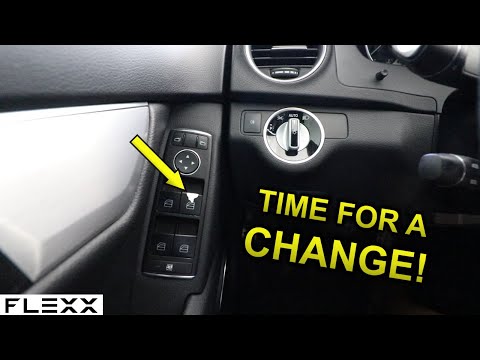
How do you remove the window switch button located in the driver side door panel of a Mercedes C-Class? This video explains how to proceed. Before starting the disassembly, disconnect the battery terminals in the engine compartment (if you need to disconnect electrical connectors). Use a plastic trim tool to pry between the button and the plastic of the switch panel. Once you have removed the button from the switch panel, install the new button inside (push and lock it into the designated plastic). Test the button to ensure it functions correctly. by ScegliAuto More videos
|

|
For advertising on this site Write to info@scegliauto.com
ScegliAuto is not responsible for any inaccuracy of the data in the lists. To report any inaccuracy or your business (if you own the business in question), please write to info@scegliauto.com
Number of seconds to generate the page: 0.125
(c) ScegliAuto 2026 - info@scegliauto.com - Privacy policy VAT number: IT01247470535 |
