
|
Do it yourself
| |||
| ||||


Mahindra Xuv500 - Service warning lightService Warning Light Mahindra Xuv500 (2011-2018 / mk 1) Mahindra Xuv500 (2011-2018 / MK 1) How to Reset the Service Light on a Mahindra XUV500 We will go through the steps to reset the service light for routine maintenance on the Mahindra XUV500. First, get inside the cabin and press and hold the …Read all… Posted on 7 July 2026 by ScegliAuto 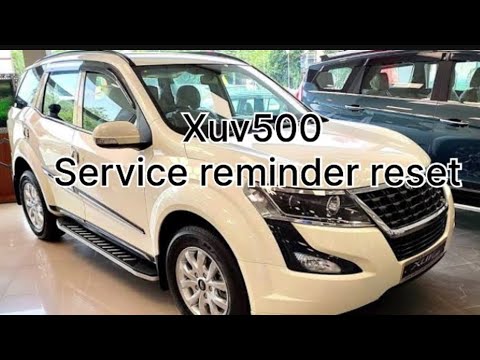 Mahindra Xuv500 (2011-2018 / MK 1) How to Reset the Service Light on the Mahindra XUV500? To reset the Service light on the Mahindra XUV500, press and hold the button located on the rear side of the instrument cluster while the instrument cluster is …Read all… Posted on 8 September 2026 by ScegliAuto 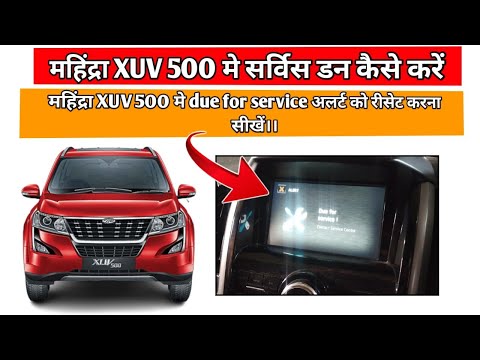 Mahindra Xuv500 (2011-2018 / MK 1) How to Reset the Service Light on a Mahindra XUV500? In this tutorial, you will see how to reset the service light on a Mahindra XUV500, a very simple and quick operation. Before doing this, ensure you have …Read all… Posted on 4 October 2026 by ScegliAuto 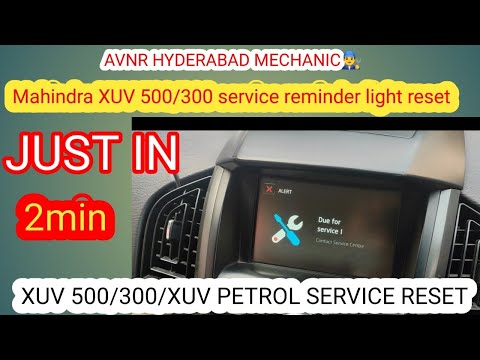 Mahindra Xuv500 (2011-2018 / MK 1) How to Reset the Service Light on the Mahindra XUV500 Display This guide shows you how to reset the maintenance light for the oil change that appears on the central display of the Mahindra XUV500. First, get in the …Read all… Posted on 2 September 2026 by ScegliAuto Airbag (1) Battery (2) Key (14) Checks and maintenance (1) Cabin air filter (3) Headlight bulb (2) Handle (2) Engine oil (1) Brake pads (1) Shift knob (1) Instrument cluster (1) Wheel (1) Warning light – error code (1) Service warning light (4) Windshield wipers (1) Steering wheel (1) |
How to open the bonnet on a Toyota Yaris Cross
Open the front left-hand door and pull the bonnet release lever located low down. Move to the front of the vehicle and release the safety catch in the centre, between the bonnet and the front bumper, as shown in the video. Raise the bonnet. The hydraulic struts will hold it open; if your vehicle has a support stay, secure the bonnet with it. Lower the bonnet carefully to close it. by ScegliAuto More videos
|
|
For advertising on this site Write to info@scegliauto.com
ScegliAuto is not responsible for any inaccuracy of the data in the lists. To report any inaccuracy or your business (if you own the business in question), please write to info@scegliauto.com
Number of seconds to generate the page: 0.006
(c) ScegliAuto 2026 - info@scegliauto.com - Privacy policy - About us VAT number: IT01247470535 |
