
|
Do it yourself
| |||
| ||||


How to Install Chrome Trim on the Maruti Ertiga Window?
Model: Maruti Ertiga
MK 1
- Years:
2012, 2013, 2014, 2015, 2016, 2017, 2018
Video tutorial
The first step to install chrome trim on the windows of the Maruti Ertiga is to thoroughly clean the entire area where you will be working to remove any dust and dirt that could cause difficulties and problems during installation. Use water and a clean cloth to dry the area. If you choose to use cleaners, ensure they are compatible with the bodywork. Now take the chrome trim and remove the protective covering from the adhesive, place it in the correct position, and press it onto the body. Repeat the procedure on the other windows.
Updated on 19 July 2026 by ScegliAuto
Related tutorials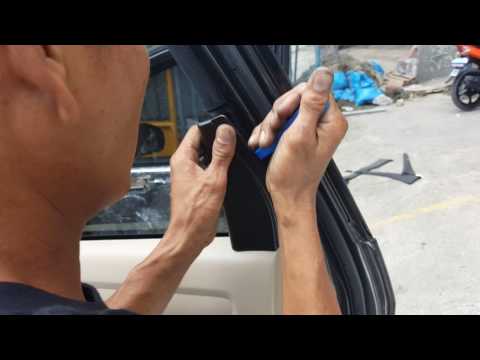
Maruti Ertiga
(2012-2018 /
MK 1)
This guide shows how to remove the rear door panel of a Maruti Ertiga Mk1. The first step is to open the small cover in the door handle area and remo…
Maruti Ertiga
(2012-2018 /
MK 1)
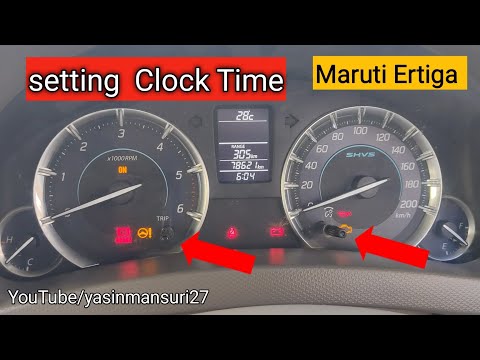
If the instrument cluster of your first-generation Maruti Ertiga (2012-2018) displays an incorrect time and you want to change it manually, follow th…

Maruti Ertiga
(2018-2025 /
MK 2)
If you own a Maruti Ertiga Mk2 and want to replace the engine air filter to maintain performance and reliability, follow this guide. First, turn off …
Other guides you may be interested in |
How to reset the tyre pressure warning light on the Kia Niro EV?
To reset the tyre pressure warning light on the Kia Niro EV, inflate the tyres until they reach the correct pressure value. This value is indicated on the sticker attached to the driver's door pillar. Once the tyres are inflated, turn on the instrument cluster to check that the warning light has completely disappeared from the display. If it is still present, you may need to drive for a few miles to ensure it disappears completely from the screen. by ScegliAuto More videos
|
|
For advertising on this site Write to info@scegliauto.com
ScegliAuto is not responsible for any inaccuracy of the data in the lists. To report any inaccuracy or your business (if you own the business in question), please write to info@scegliauto.com
Number of seconds to generate the page: 0.025
(c) ScegliAuto 2026 - info@scegliauto.com - Privacy policy VAT number: IT01247470535 |
