
|
Do it yourself
| |||
| ||||


How to Set the Brightness of the Maxus T60 Display
Model: Maxus T60
MK 1
- Years 2016-2024
In this brief and simple guide, set the brightness of the multimedia system display of the Maxus T60 by following the instructions below. First, get in the vehicle and turn on the instrument cluster; then, move to the central display and go to the settings option (also known as "general"), as shown in the video. At this point, go to the screensaver option and set the brightness manually or through the daytime mode; then exit the settings menu to save the changes.
Updated on 7 June 2026 by ScegliAuto
Video tutorial
Related tutorials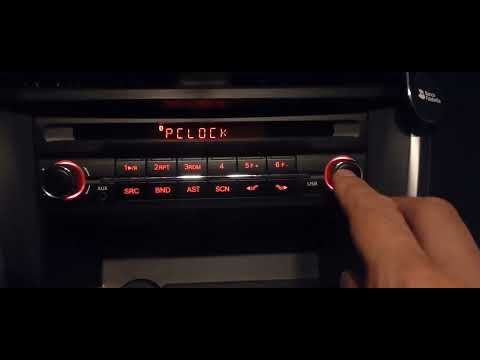
Maxus T60
(2016-2024 /
MK 1)
Setting the time on a Maxus T60 radio is a very simple operation that you can do completely on your own, thanks to our short video tutorial. The firs…

Maxus T60
(2016-2024 /
MK 1)
From the vehicle mentioned above, we have a video presentation posted here, which details the various aesthetic and technical features. Paying attent…

Maxus T60
(2016-2024 /
MK 1)
In this guide, we will look at the procedure to remove and replace the timing belt on the Maxus T60 and MG T60. First, open the hood of your car and …
Other guides you may be interested in
|
How to Replace the Remote Battery for the Volvo XC40?
In this tutorial, you will see how to replace the battery in the remote for the Volvo XC40, a very simple and quick operation. For this, you will need a replacement battery of type CR2032 and possibly a small flathead screwdriver. First, remove the front cover by pressing the button on the metal ring, then locate the second button, press it as well, and remove the opposite cover. Next, open the circular cap, take out the old battery, and insert the new one in the opposite direction. Finally, reassemble everything. by ScegliAuto More videos
|
|
For advertising on this site Write to info@scegliauto.com
ScegliAuto is not responsible for any inaccuracy of the data in the lists. To report any inaccuracy or your business (if you own the business in question), please write to info@scegliauto.com
Number of seconds to generate the page: 0.092
(c) ScegliAuto 2026 - info@scegliauto.com - Privacy policy VAT number: IT01247470535 |
