
|
Do it yourself
| |||
| ||||


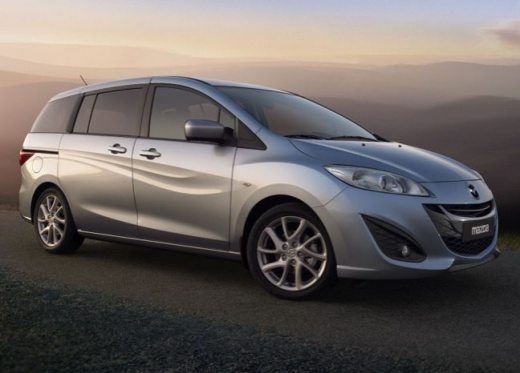
How do you deactivate the alarm in the Mazda 5?
Model: Mazda 5
MK 1
- Years:
2005, 2006, 2007, 2008, 2009, 2010, 2011, 2012, 2013, 2014, 2015
Video tutorial
The car shown in the video, also a Mazda brand, has a remote control for arming and disarming the alarm system, which reflects the same principle as the one in question. Assuming that the car is equipped with an alarm system, to arm and disarm it, simply press the buttons typically depicting a closed lock and an open one. Simultaneously with the alarm system, in most cases, the central locking of the doors, rear hatch, and fuel door is also activated and deactivated. Everything is very simple and intuitive.
Posted on 17 December 2024 by ScegliAuto
Related tutorials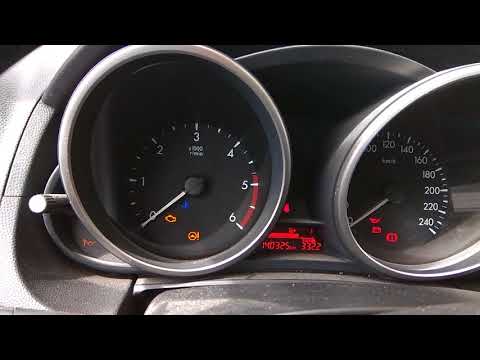
Mazda 5
(2005-2015 /
MK 1)
In this tutorial, you will learn how to reset the service light on a Mazda 5. Before performing this simple and quick operation, ensure that all main…

Mazda 5
(2005-2015 /
MK 1)
In this tutorial, see how to replace the dipped beam headlight bulbs in the Mazda 5, a very simple and quick operation. First, ensure the key is not …

Mazda 5
(2005-2015 /
MK 1)
In this tutorial we can see how to program a new remote control in the Mazda 5, a very simple and quick operation. To do this, we will obviously need…
Other guides you may be interested in |
How to Remove the Toll Tag Holder from the Car Windscreen
The toll tag holder is usually attached to the car windscreen to ensure that the toll tag functions immediately when passing through barriers. However, if you decide to remove the holder, you should follow this procedure: - Insert the toll tag into the holder; - Pull the holder inwards to detach it from the windscreen; you can use a glass scraper or a stiff plastic card to assist you; After removing the holder, it is essential to remove the adhesive from the windscreen. To remove the adhesive, we recommend using a solvent-based spray that will remove the glue without clouding the area. by ScegliAuto More videos
|
|
For advertising on this site Write to info@scegliauto.com
ScegliAuto is not responsible for any inaccuracy of the data in the lists. To report any inaccuracy or your business (if you own the business in question), please write to info@scegliauto.com
Number of seconds to generate the page: 0.017
(c) ScegliAuto 2026 - info@scegliauto.com - Privacy policy VAT number: IT01247470535 |
