
|
Do it yourself
| |||
| ||||



Replacing the Remote Battery on Mazda MX-5
Model: Mazda Mx 5
NC, MK 3
- Years:
2005, 2006, 2007, 2008, 2009, 2010, 2011, 2012, 2013, 2014, 2015
Video tutorial
Replacing the battery in the remote for the Mazda MX-5, like replacing the battery in any car key/remote, is relatively simple. First, rotate the metal key around its pivot to remove it from its housing. Then, using a small screwdriver, unlock the catch on the top part of the remote (the part where the metal key is attached). Now, still using the small screwdriver, unlock the catch that holds the two halves of the remote shell together to access the battery compartment. Replace the old battery with the new one, reassemble everything, and you're done!
Updated on 21 March 2026 by ScegliAuto
Related tutorials
Mazda Mx 5
(2015-2024 /
ND, MK 4)
If it is time to replace the engine air filter of your Mazda MX5 (year 2017), but you do not know how to do it, then all you need to do is carefully …
Mazda Mx 5
(1998-2005 /
NB, MK 2)
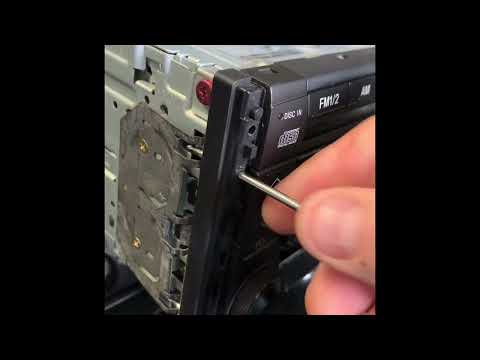
In this mini guide dedicated to your 2002 Mazda MX5 Miata, you will discover how to quickly and correctly remove the standard radio. First, obtain me…
Mazda Mx 5
(2015-2024 /
ND, MK 4)
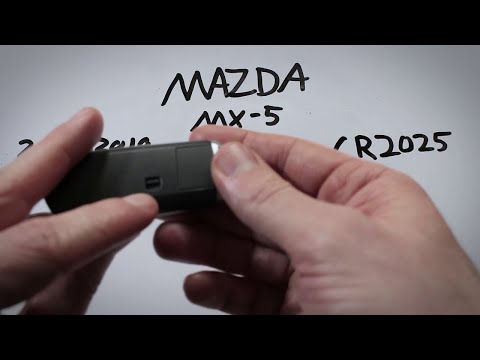
To replace the remote control battery on a Mazda MX-5, lower the lever located at the back of the remote to slide out the key, pulling it from the bo…
Other guides you may be interested in
|
How to Reset the Tyre Pressure Warning Light on the Jeep Renegade?
To reset the tyre pressure warning light on the Jeep Renegade, inflate the tyres until they reach the recommended pressure: this value is indicated on the sticker attached to the driver’s door pillar. Once the tyres are properly inflated, navigate through the menu that appears on the instrument cluster until you find the tyre pressure option. At this point, press and hold the OK button on the right side of the steering wheel to make the warning light disappear. by ScegliAuto More videos
|
|
For advertising on this site Write to info@scegliauto.com
ScegliAuto is not responsible for any inaccuracy of the data in the lists. To report any inaccuracy or your business (if you own the business in question), please write to info@scegliauto.com
Number of seconds to generate the page: 0.182
(c) ScegliAuto 2026 - info@scegliauto.com - Privacy policy VAT number: IT01247470535 |
