
|
Do it yourself
| |||
| ||||


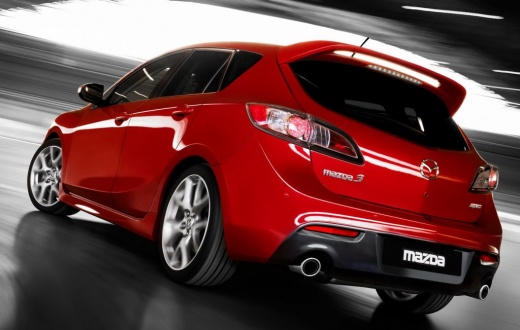
Brake Pads and Discs Replacement
Model: Mazda 3
BL, MK 2
- Years:
2009, 2010, 2011, 2012, 2013
Video tutorial
Obtain original replacement discs, then lift the vehicle and secure it. Remove the wheel. Next, detach the caliper. Remove the caliper support bracket using a spanner by unscrewing the two rear screws. Unscrew the two retaining screws of the disc while holding it steady. If the disc is stuck, use a rubber mallet and tap it until it completely comes off the hub. Clean the support thoroughly. Refit the disc, aligning the fixing holes. Use new screws for fastening if possible. Refit the bracket, cleaning and lubricating the fastening screws, then tighten them with a torque wrench. Refit the new brake pads, realign the piston, then refit the caliper and wheel.
Updated on 7 February 2026 by ScegliAuto
Related tutorials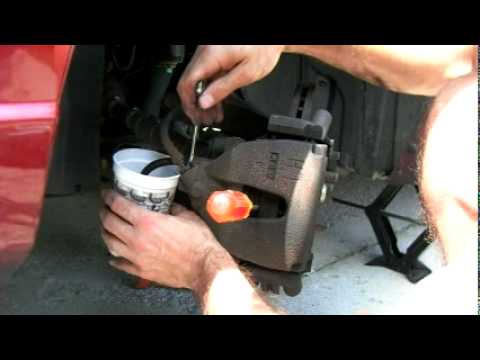
Mazda 3
(2003-2009 /
BK, MK 1)
Lift the vehicle with a jack but secure it using an axle stand, remove the wheel and retract the brake caliper piston by prying between the disc and …
Mazda 3
(2003-2009 /
BK, MK 1)
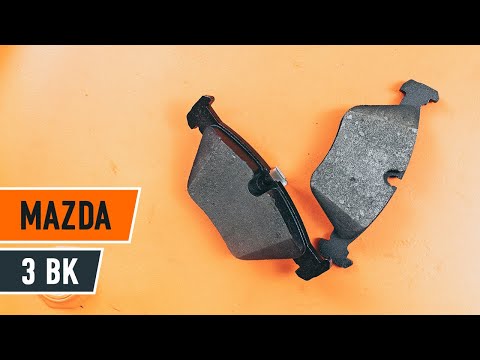
Place the car on a ramp and lift it to a comfortable height for working. Remove the rear wheel. Take off the brake caliper retaining clip and unscrew…

Mazda 3
(2003-2009 /
BK, MK 1)
Before proceeding with the removal of the brake shoes, obtain the specific tool to retract the caliper piston: this is a socket with two pins to inse…
Other guides you may be interested in
|
How to Reset the Tyre Pressure Warning Light on a Kia Rio?
The tyre pressure warning light displayed on the instrument cluster of the Kia Rio can be reset by inflating the tyres until they reach the recommended pressure value: this value is indicated on the sticker affixed to the driver's door pillar. Once all tyres have been inflated to the recommended pressure, turn on the ignition to check that the light has disappeared: if it is still present, it may be necessary to drive for a few miles, allowing the sensors to work and thus turning off the light. by ScegliAuto More videos
|
|
For advertising on this site Write to info@scegliauto.com
ScegliAuto is not responsible for any inaccuracy of the data in the lists. To report any inaccuracy or your business (if you own the business in question), please write to info@scegliauto.com
Number of seconds to generate the page: 0.034
(c) ScegliAuto 2026 - info@scegliauto.com - Privacy policy VAT number: IT01247470535 |
