
|
Do it yourself
| |||
| ||||


How to Change the Thermostat on the Mazda 6 2.0 MK1
Model: Mazda 6
MK 1, GG
- Years:
2002, 2003, 2004, 2005, 2006, 2007, 2008
Video tutorial
In this video tutorial, you will see how to remove and replace the thermostat on the Mazda 6 2.0 Diesel, first series, in simple and quick steps. First, lift the vehicle and remove the lower engine panel; then disconnect the coolant hose, allowing it to drain into a container. At this point, unscrew the three fixing screws of the thermostat, removing it along with the hose, as illustrated in the video. Finally, replace the thermostat and reassemble everything, applying the reverse procedure of disassembly!
Updated on 28 April 2026 by ScegliAuto
Related tutorials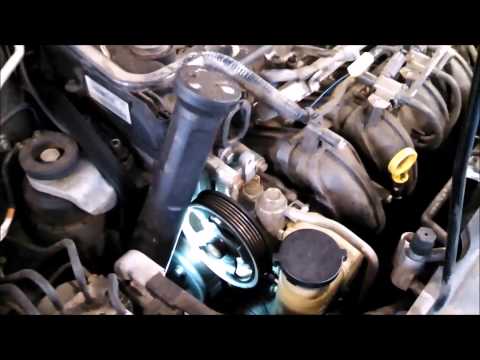
Mazda 6
(2002-2008 /
MK 1, GG)
The thermostat regulates the flow of coolant to maintain a constant engine temperature and remove the minimum amount of heat necessary to prevent ove…
Mazda 6
(2002-2008 /
MK 1, GG)
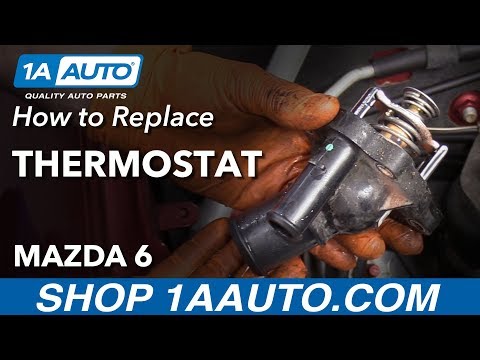
Having issues with the thermostat on your Mazda 6? In this guide, you will learn how to change it. First, raise the car on a ramp to gain better acce…

Mazda 6
(2002-2008 /
MK 1, GG)
Do you want to replace the side air vents on a Mazda 6? Remove the vents for replacement. Pry at the top and bottom with the levers (as shown in the …
Other guides you may be interested in
|
How to Reset the Tyre Pressure Warning Light on a Kia Ceed
This brief and simple guide will show you how to reset the tyre pressure warning light (TPMS) on a Kia Ceed. Before performing the reset, ensure all four tyres are at the correct operating pressure. Get inside the vehicle and turn on the ignition. Locate the reset button on the dashboard, next to the steering wheel, as shown in the video. Press and hold the TPMS reset button until the warning light blinks on the dashboard and then goes out completely! by ScegliAuto More videos
|
|
For advertising on this site Write to info@scegliauto.com
ScegliAuto is not responsible for any inaccuracy of the data in the lists. To report any inaccuracy or your business (if you own the business in question), please write to info@scegliauto.com
Number of seconds to generate the page: 0.024
(c) ScegliAuto 2026 - info@scegliauto.com - Privacy policy VAT number: IT01247470535 |
