
|
Do it yourself
| |||
| ||||


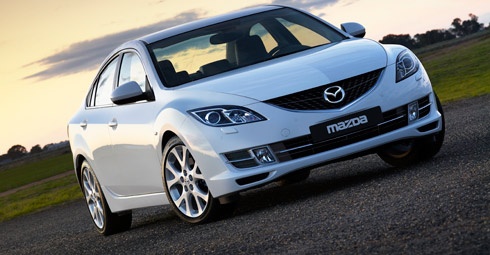
How to Remove the Centre Console
Model: Mazda 6
MK 2, GH
- Years:
2008, 2009, 2010, 2011, 2012
Video tutorial
If you need to carry out repairs or modifications to the stereo and/or the centre console, this guide will assist you in the disassembly process. Start with the compartment next to the handbrake, which is the cup holder. Pull it out firmly as shown in the video. Next, unscrew the gear knob. Disconnect the last part of the console around the gear lever, also removing the electrical connector and the lamp holder at the back. Unscrew the two front screws at the bottom of the console. Open and detach the glove compartment by operating the side lever and then the walls as illustrated in the video. Once the drawer is removed, unscrew the third side screw. At this point, you can also remove the centre console along with the stereo to install any modules for use with an iPhone or other devices.
Updated on 11 February 2026 by ScegliAuto
Related tutorials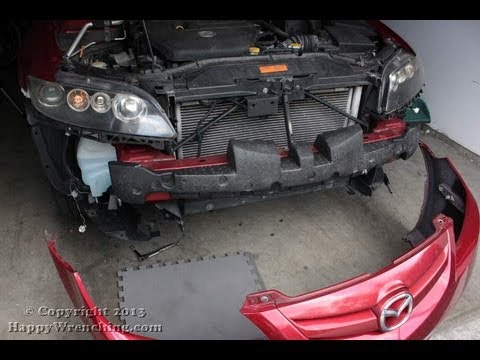
Mazda 6
(2002-2008 /
GG, MK 1)
Open the front bonnet; remove the push clips located along the edge of the bumper, specifically inside the wheel arches; then unclip those near the h…
Mazda 6
(2002-2008 /
GG, MK 1)
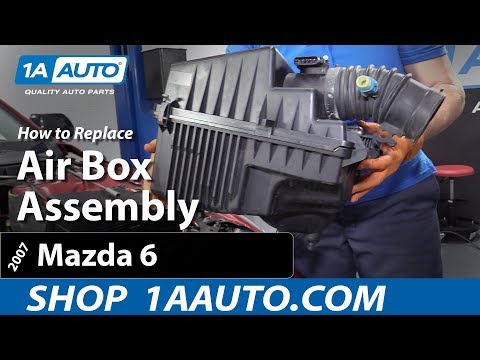
In the following video, you will see a skilled guide demonstrating the removal and reinstallation of an airbox from a car. This process allows you to…
Mazda 6
(2002-2008 /
GG, MK 1)
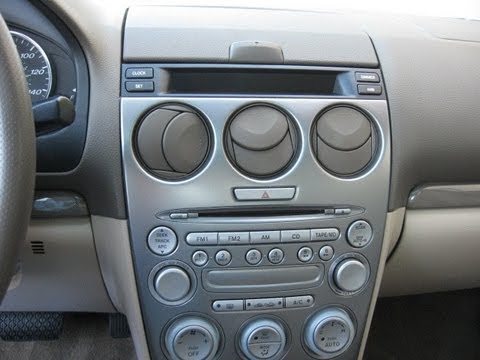
To remove the original car radio, the first step is to take off the central tunnel cover: position the gear lever in reverse (in drive position), uns…
Other guides you may be interested in
|
How to Open the Fuel Filler Flap in the Hyundai i30?
In this tutorial, you will learn how to open the fuel filler flap in the Hyundai i30, a very simple operation that follows the typical procedure of most vehicles. First, unlock the locks using the designated button on the remote, then open the driver's door, locate the release lever on the left side of the seat, and operate it. Next, move to the fuel filler flap, open it completely, unscrew the cap, and refuel as needed. To close the flap, simply press it gently. by ScegliAuto More videos
|
|
For advertising on this site Write to info@scegliauto.com
ScegliAuto is not responsible for any inaccuracy of the data in the lists. To report any inaccuracy or your business (if you own the business in question), please write to info@scegliauto.com
Number of seconds to generate the page: 0.012
(c) ScegliAuto 2026 - info@scegliauto.com - Privacy policy VAT number: IT01247470535 |
