
|
Do it yourself
| |||
| ||||


Instructions for Removing the Car Radio
Model: Mazda 6
GG, MK 1
- Years:
2002, 2003, 2004, 2005, 2006, 2007, 2008
Video tutorial
To remove the original car radio, the first step is to take off the central tunnel cover: position the gear lever in reverse (in drive position), unscrew the knob of the lever and detach the trim around the handbrake and gear lever. Then unscrew the fixing screws of the plastic trim around the climate control buttons and the fixing pin of the central console, accessible by opening and flipping the lid of the glove compartment on the passenger side. At this point, you can remove the central console complete with the car radio and climate control buttons. Finally, unscrew the fixing screws of the display above the air vents, which also includes the glove compartment.
Updated on 7 February 2026 by ScegliAuto
Related tutorials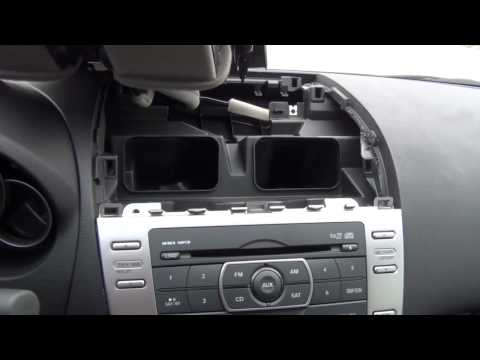
Mazda 6
(2008-2012 /
MK 2, GH)
To install an Aux input, it is necessary to remove the car radio to which the kit's control unit and the corresponding output cable will be connected…
Mazda 6
(2002-2008 /
GG, MK 1)
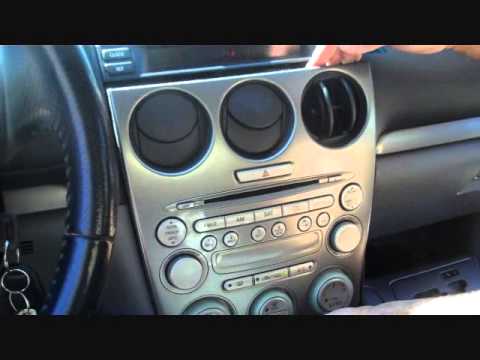
Due to the delicacy of the work, it is advisable to perform the operation if you have some experience. Remove the gear lever cover and the associated…
Mazda 6
(2002-2008 /
GG, MK 1)
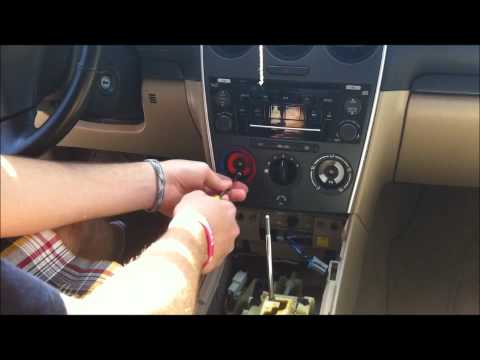
This video shows how to install an interface on a standard car radio. First, unscrew the gear knob and position it in R, remove the cup holder and th…
Other guides you may be interested in
|
How to Activate the Automatic Folding and Unfolding of the Wing Mirrors on the Jeep Compass
Follow these brief instructions to activate the automatic folding and unfolding of the external wing mirrors on the Jeep Compass. First, get inside the vehicle and turn on the ignition; then press the button located beneath the mirror glass adjustment to electrically open the mirror, as shown in the video. Pressing the button in the opposite direction will close the mirrors; by holding the button, the mirrors will open and close automatically! by ScegliAuto More videos
|
|
For advertising on this site Write to info@scegliauto.com
ScegliAuto is not responsible for any inaccuracy of the data in the lists. To report any inaccuracy or your business (if you own the business in question), please write to info@scegliauto.com
Number of seconds to generate the page: 0.067
(c) ScegliAuto 2026 - info@scegliauto.com - Privacy policy VAT number: IT01247470535 |
