
|
Do it yourself
| |||
| ||||


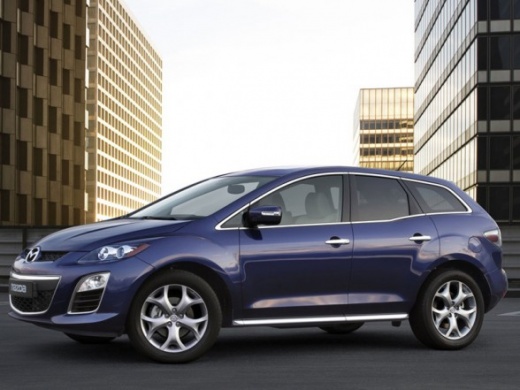
How to reset the AdBlue warning light on the Mazda CX-7?
Model: Mazda Cx 7
MK 1
- Years:
2006, 2007, 2008, 2009, 2010, 2011, 2012
Video tutorial
When the AdBlue warning light illuminates on the instrument cluster of the Mazda CX-7, it should turn off automatically when the fluid is topped up. If it remains on, you can reset it by following the instructions in the accompanying video. Essentially, disconnect the sensor connector that reads the level, bypassing it with two single wires connected to the sensor, long enough to reach the cabin. Now, turn on the vehicle's ignition, connect the two wires together, press the accelerator pedal several times, and turn off the ignition. Disconnect the wires, turn the ignition back on, and you will notice that the warning light is off.
Updated on 20 June 2026 by ScegliAuto
Related tutorials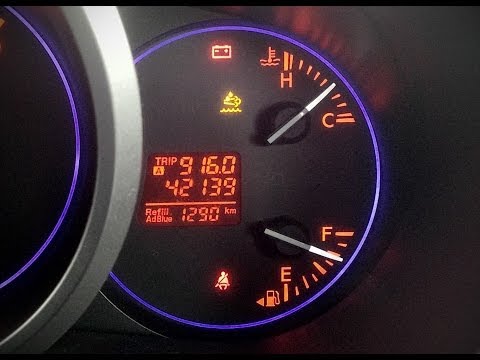
Mazda Cx 7
(2006-2012 /
MK 1)
This brief guide shows how to reset the missing AdBlue warning light on the Mazda CX-7; the AdBlue warning light illuminates due to the lack of fluid…

Mazda Cx 7
(2006-2012 /
MK 1)
To reset the AdBlue warning light on the Mazda CX-7, top up the necessary amount of additive liquid in the respective tank: this is located at the re…

Mazda Cx 7
(2006-2012 /
MK 1)
In order to reset the SCR, DPF, and AdBlue lights of the Mazda CX-7, you need to connect a diagnostic tool to the OBD port of the vehicle: this port …
Other guides you may be interested in
|
How to Open the Fuel Filler Flap in the Hyundai i30?
In this tutorial, you will learn how to open the fuel filler flap in the Hyundai i30, a very simple operation that follows the typical procedure of most vehicles. First, unlock the locks using the designated button on the remote, then open the driver's door, locate the release lever on the left side of the seat, and operate it. Next, move to the fuel filler flap, open it completely, unscrew the cap, and refuel as needed. To close the flap, simply press it gently. by ScegliAuto More videos
|
For advertising on this site Write to info@scegliauto.com
ScegliAuto is not responsible for any inaccuracy of the data in the lists. To report any inaccuracy or your business (if you own the business in question), please write to info@scegliauto.com
Number of seconds to generate the page: 0.026
(c) ScegliAuto 2026 - info@scegliauto.com - Privacy policy VAT number: IT01247470535 |
