
|
Do it yourself
| |||
| ||||


Replacing the Remote Key Battery
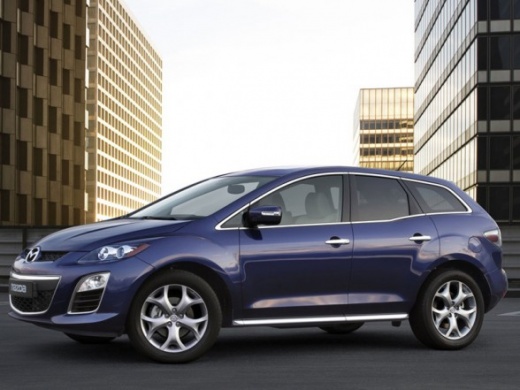
Model: Mazda Cx 7
MK 1
- Years 2006-2012
If pressing the buttons on the remote key does not open or close the vehicle, the battery may be flat and needs replacing; use a very small flathead screwdriver to pry along the slot at the base of the shell that houses the buttons: you need to unclip and remove the portion of the shell with the buttons to access the battery compartment; then remove the old battery and insert the new one, ensuring the correct polarity, and close the key by snapping the shell back into place.
Updated on 18 February 2026 by ScegliAuto
Video tutorial
Related tutorials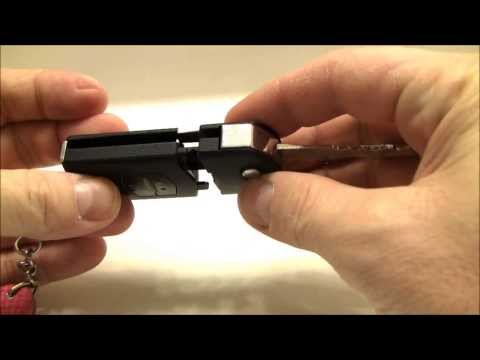
Mazda Cx 7
(2006-2012 /
MK 1)
To replace the battery in the remote key, first separate the part with the metal key (colloquially called the "blade") from the remote itself. Then o…
Mazda Cx 7
(2006-2012 /
MK 1)
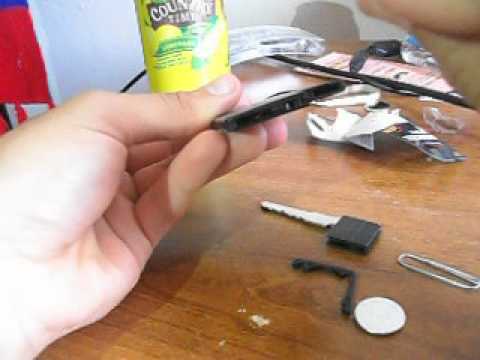
First, let's say that replacing the battery in the remote control is a very simple task that can be done with little skill in just five minutes. Befo…
Mazda Cx 7
(2006-2012 /
MK 1)
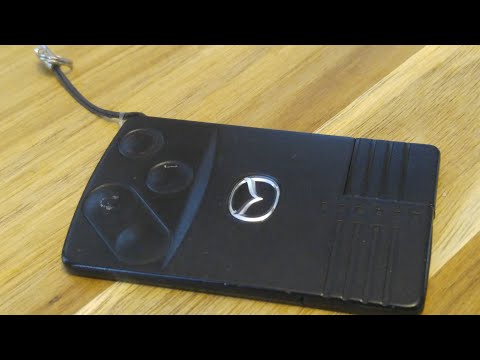
In today's video tutorial we will see how to disassemble and replace the remote control battery or the key card of the Mazda CX-7, in simple steps. F…
Other guides you may be interested in
|
How to Replace the Engine Air Filter on a Hyundai Matrix
Learn how to replace the engine air filter on a Hyundai Matrix: open the car door, pull up the engine compartment release lever located at the bottom left of the dashboard, and lift the front bonnet. Secure it with the prop rod. Locate the filter box, then open the air kit (release the plastic clips) and remove the cover to extract the worn air filter. Insert a new filter into the designated housing (ensuring it fits snugly around the edges). Finally, refit the air box cover and secure it with the clips. Close the front bonnet after maintenance. by ScegliAuto More videos
|
|
For advertising on this site Write to info@scegliauto.com
ScegliAuto is not responsible for any inaccuracy of the data in the lists. To report any inaccuracy or your business (if you own the business in question), please write to info@scegliauto.com
Number of seconds to generate the page: 0.132
(c) ScegliAuto 2026 - info@scegliauto.com - Privacy policy VAT number: IT01247470535 |
