
|
Do it yourself
| |||
| ||||


Replacement of Rear Brake Discs and Pads
Model: Mazda 6
MK 1, GG
- Years 2002-2008
Lift the vehicle on a ramp and remove the rear wheel. Proceed to remove the fixing pins of the brake caliper to detach it from its seat, remove the old pads, and take off the brake caliper support. Then, unscrew the fixing bolts of the disc on the hub and remove it. Clean the disc seat on the hub with a wire brush, apply grease to prevent oxidation, and install the new disc after cleaning it of protective oil. Refit the brake caliper support, insert the new pads, retract the caliper piston using a suitable tool, and then secure it to the support.
Updated on 18 February 2026 by ScegliAuto
Video tutorial
Related tutorials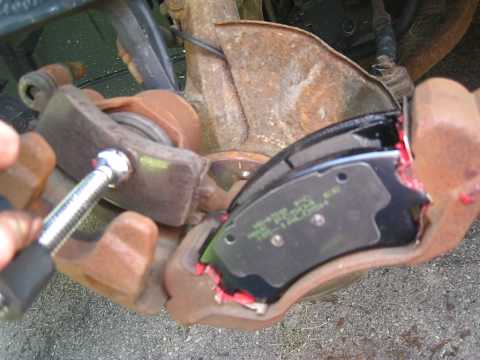
Mazda 6
(2002-2008 /
MK 1, GG)
Lift the vehicle on suitable axle stands and remove the front wheel; then unscrew the mounting pins of the brake caliper bracket to allow the removal…
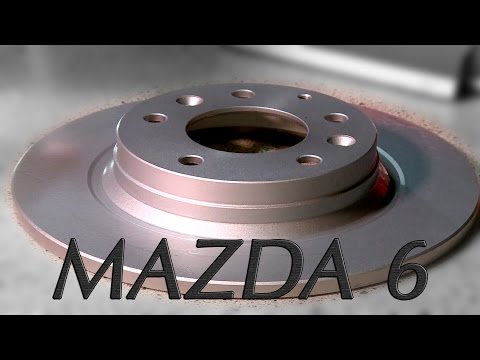
Mazda 6
(2008-2012 /
GH, MK 2)
Once you have lifted the vehicle and removed the rear wheels, disconnect the brake caliper from its bracket, remove the old pads, and detach the brac…
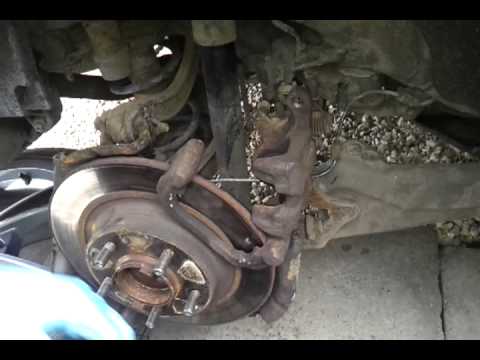
Mazda 6
(2002-2008 /
MK 1, GG)
Obtain the original replacement discs, then lift the vehicle and secure it before removing the wheel. Open the cap of the brake fluid reservoir. Next…
Other guides you may be interested in
|
How to Replace the Engine Air Filter on a Hyundai Matrix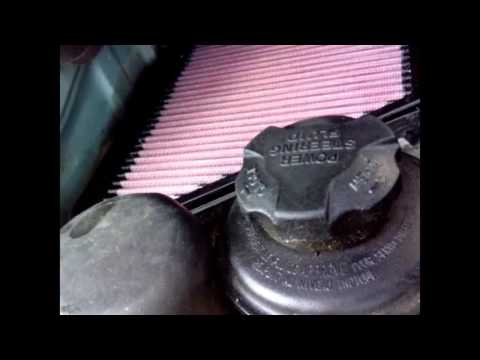
Learn how to replace the engine air filter on a Hyundai Matrix: open the car door, pull up the engine compartment release lever located at the bottom left of the dashboard, and lift the front bonnet. Secure it with the prop rod. Locate the filter box, then open the air kit (release the plastic clips) and remove the cover to extract the worn air filter. Insert a new filter into the designated housing (ensuring it fits snugly around the edges). Finally, refit the air box cover and secure it with the clips. Close the front bonnet after maintenance. by ScegliAuto More videos
|
|
For advertising on this site Write to info@scegliauto.com
ScegliAuto is not responsible for any inaccuracy of the data in the lists. To report any inaccuracy or your business (if you own the business in question), please write to info@scegliauto.com
Number of seconds to generate the page: 0.056
(c) ScegliAuto 2026 - info@scegliauto.com - Privacy policy VAT number: IT01247470535 |
