
|
Do it yourself
| |||
| ||||


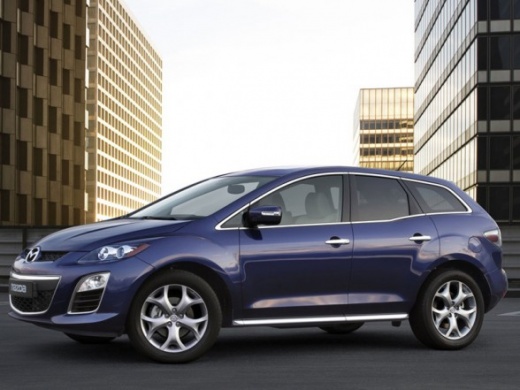
Removing the Plastic Engine Cover
Model: Mazda Cx 7
MK 1
- Years:
2006, 2007, 2008, 2009, 2010, 2011, 2012
Video tutorial
To remove the plastic cover applied directly to the engine, first, extract the two expansion clips at the front ends that secure the cover to the slam panel; once the front bonnet is open, first remove the central pin and then take out the entire expansion clip on both sides. Once the front part of the plastic cover is free, lift it slightly and slide out the rear part, which has two ribs that fit into specific grooves on the air filter housing.
Updated on 21 February 2026 by ScegliAuto
Related tutorials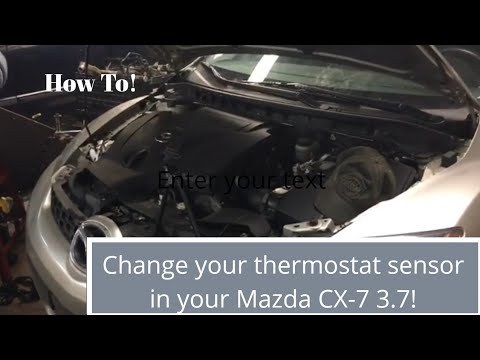
Mazda Cx 7
(2006-2012 /
MK 1)
.. CX-7 2.3. First, open the bonnet and start by removing the plastic engine cover; then locate the thermostat, situated at the bottom left of the engine.. …
Mazda Cx 7
(2006-2012 /
MK 1)
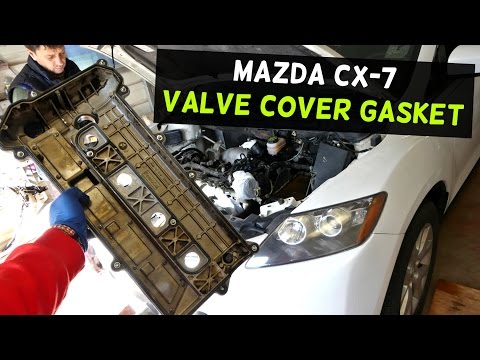
If the upper part of the engine is covered in oil, it is likely that there is a leak caused by the deterioration of the rocker cover gasket. To repla…

Mazda Cx 7
(2006-2012 /
MK 1)
These brief and simple instructions will guide you through the process of removing and replacing the rear light bulbs on a Mazda CX-7. First, open th…
Other guides you may be interested in
|
How to Reset the AdBlue Warning Light on a Peugeot Boxer
To reset the AdBlue system on a 2018 Peugeot Boxer, follow these steps: Start the engine and ensure the vehicle is parked in a well-ventilated area. Locate the "MENU" button on the dashboard or steering wheel controls. Press and hold the "MENU" button until the menu options appear on the display. Use the arrow buttons or scroll wheel to access the "Vehicle Settings" or "Settings" menu. Select the "AdBlue" or "AdBlue System" option. Look for the "Recharge" or "Reset" option in the AdBlue menu. Once you find the reset option, select it and confirm your choice when prompted. The system will be reset, and a confirmation message may appear on the display. Turn off the engine and wait a few seconds. Restart the engine and check that the AdBlue system has been reset. by ScegliAuto More videos
|
|
For advertising on this site Write to info@scegliauto.com
ScegliAuto is not responsible for any inaccuracy of the data in the lists. To report any inaccuracy or your business (if you own the business in question), please write to info@scegliauto.com
Number of seconds to generate the page: 0.043
(c) ScegliAuto 2026 - info@scegliauto.com - Privacy policy VAT number: IT01247470535 |
