
|
Do it yourself
| |||
| ||||


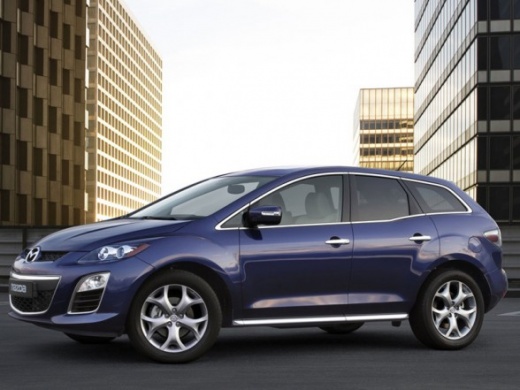
How to Replace the Thermostat on a Mazda CX-7 2.3
Model: Mazda Cx 7
MK 1
- Years:
2006, 2007, 2008, 2009, 2010, 2011, 2012
Video tutorial
Briefly, we will go through the main instructions for removing and replacing the engine coolant thermostat on a Mazda CX-7 2.3. First, open the bonnet and start by removing the plastic engine cover; then locate the thermostat, situated at the bottom left of the engine bay (near the pulley of the V-belt), as shown in the video. At this point, unscrew the thermostat securing screws to remove it, allowing the coolant to drain; install the new original thermostat and refit everything!
Updated on 19 September 2026 by ScegliAuto
Related tutorials
Mazda Cx 7
(2006-2012 /
MK 1)
In this video tutorial, follow the main steps to disassemble and replace the remote key shell of the Mazda CX-7, as well as the CX-9, Mazda 2, Mazda …

Mazda Cx 7
(2006-2012 /
MK 1)
Below are the main instructions for removing and replacing the rear suspension of the Mazda CX-7. First, lift the vehicle and remove the rear wheels;…
Mazda Cx 7
(2006-2012 /
MK 1)
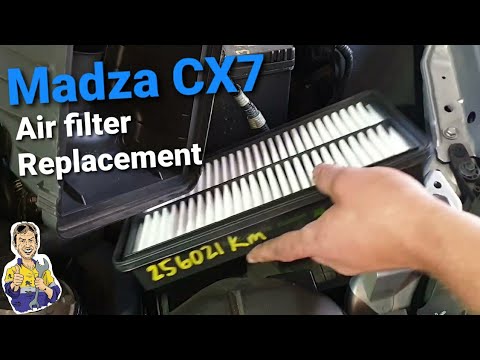
In this mini guide for your Mazda CX7 (2006-2012), you will learn a simple and effective procedure to replace the engine air filter yourself in just …
Other guides you may be interested in
|
How to Reset the Tyre Pressure Warning Light on a Kia Ceed
This brief and simple guide will show you how to reset the tyre pressure warning light (TPMS) on a Kia Ceed. Before performing the reset, ensure all four tyres are at the correct operating pressure. Get inside the vehicle and turn on the ignition. Locate the reset button on the dashboard, next to the steering wheel, as shown in the video. Press and hold the TPMS reset button until the warning light blinks on the dashboard and then goes out completely! by ScegliAuto More videos
|
|
For advertising on this site Write to info@scegliauto.com
ScegliAuto is not responsible for any inaccuracy of the data in the lists. To report any inaccuracy or your business (if you own the business in question), please write to info@scegliauto.com
Number of seconds to generate the page: 0.028
(c) ScegliAuto 2026 - info@scegliauto.com - Privacy policy VAT number: IT01247470535 |
