
|
Do it yourself
| |||
| ||||


How to restore the factory data of a Mazda CX-5 radio
Model: Mazda CX-5
MK 1, KE
- Years 2012-2017
Restoring the factory data of the radio of a Mazda CX 5 is a very simple operation that can be done independently thanks to our short video tutorial. To restore the factory data, we must first turn on the instrument panel and then the onboard computer. Then we must simultaneously press the three buttons related to the radio located on the lower dashboard of the car. The buttons in question are the Menu button, the audio button, and the selector button. We keep the buttons pressed until the beginning of the radio reset message appears on the screen.
Posted on 23 March 2024 by ScegliAuto
Video tutorial
Related tutorials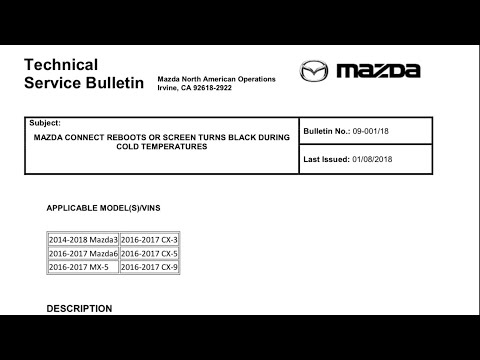
Mazda CX-5
(2012-2017 /
MK 1, KE)
The operation of restoring the factory data of a car radio located on a Mazda CX 5 vehicle is very simple. This operation can be carried out independ…

Mazda CX-5
(2017-2024 /
MK 2)
In this tutorial, we can see how to reset the onboard computer in the Mazda CX-5, an extremely simple and quick operation to be carried out, for exam…
Mazda CX-5
(2012-2017 /
MK 1, KE)
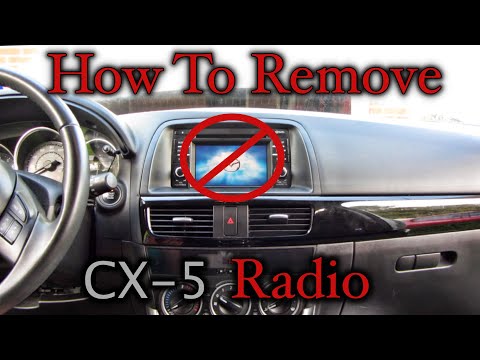
Let's see in this tutorial how to disassemble and replace the stock car radio of the Mazda CX-5 first generation, in simple steps. First of all we ge…
Other guides you may be interested in
|
How to Replace Brake Pads and Discs on a Fiat 600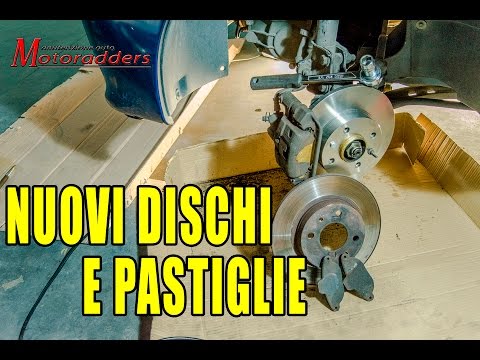
Here are the tips for replacing the brake pads and discs on your car. Secure the car, lift it up, and start removing the wheel. Turn the steering wheel to remove the brake caliper retaining clip, being careful not to lose it. Now remove the pin and you can lift it off. Spread the brake pads to retract the piston, then remove them. Before removing the caliper, unscrew the two bolts. Now, remove the two bolts on the disc and you can replace it with the new part, using the palms of your hands to hit the disc, first on one side then the other. Continue by refitting the two bolts. Then the caliper, the pin, and the clip. Install the new brake pads. by ScegliAuto More videos
|
|
For advertising on this site Write to info@scegliauto.com
ScegliAuto is not responsible for any inaccuracy of the data in the lists. To report any inaccuracy or your business (if you own the business in question), please write to info@scegliauto.com
Number of seconds to generate the page: 0.059
(c) ScegliAuto 2026 - info@scegliauto.com - Privacy policy VAT number: IT01247470535 |
