
|
Do it yourself
| |||
| ||||


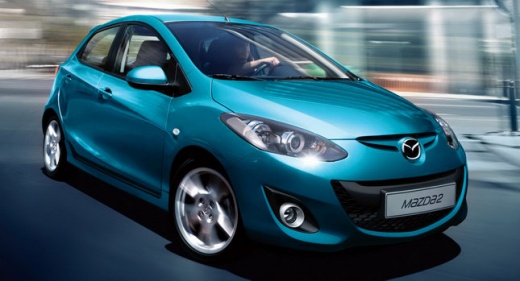
How to remove the rear bumper of the Mazda 2
Model: Mazda 2
DE, MK 2, DH
- Years 2007-2014
The removal of the rear bumper is a very simple operation to perform independently. To remove the bumper of the Mazda 2, we must first unclip the plastic clips protecting the screws. Then we unscrew all the lower screws with an 8mm key. After removing the lower screws, we unscrew the side screws and then the upper ones using the 8mm key. Once all the screws have been removed, we can detach the bumper by first unclipping the sides and then the central part. After removing the rear bumper, we can perform any maintenance we desire on our car without any problems.
Posted on 24 May 2024 by ScegliAuto
Video tutorial
Related tutorials
Mazda 2
(2014-2023 /
MK 3, DJ)
Today we will explain how to remove the front bumper of the Mazda 2. To remove the bumper, we need to open the front hood and remove the clips positi…
Mazda 2
(2007-2014 /
DE, MK 2, DH)
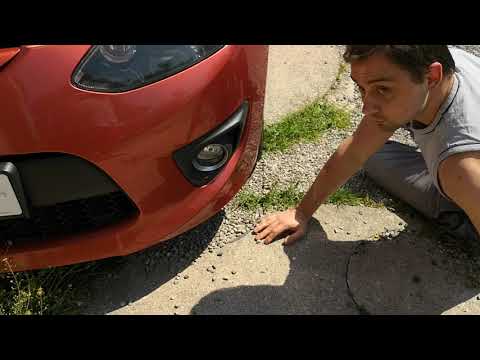
To remove the front bumper of the Mazda 2, loosen the bolts securing the bumper inside the wheel arch and at the bottom of the bumper itself. Once th…

Mazda 2
(2007-2014 /
DE, MK 2, DH)
In order to remove the door panel of the Mazda 2, you need to loosen the screws that secure the piece to its housing: the screws that secure it are l…
Other guides you may be interested in
|
How to Check the Oil Level on a Jeep Renegade?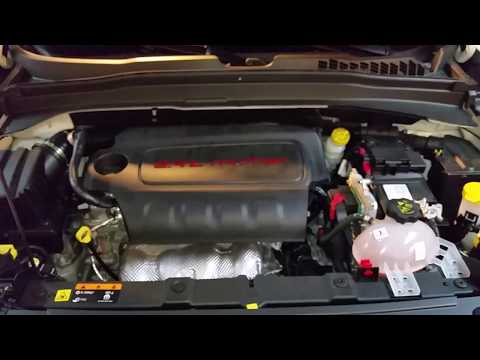
To check the oil level on a Jeep Renegade, you need to open the bonnet to access the components inside the engine bay: on the lower left side of the engine block, you will find the dipstick for checking the level. This should be pulled out and thoroughly cleaned with a cloth: once cleaned, reinsert it back into its tube and pull it out immediately after. This way, you can check that the oil mark is between the minimum and maximum levels; finally, you can place the dipstick back in its tube. by ScegliAuto More videos
|
|
For advertising on this site Write to info@scegliauto.com
ScegliAuto is not responsible for any inaccuracy of the data in the lists. To report any inaccuracy or your business (if you own the business in question), please write to info@scegliauto.com
Number of seconds to generate the page: 0.567
(c) ScegliAuto 2026 - info@scegliauto.com - Privacy policy VAT number: IT01247470535 |
