
|
Do it yourself
| |||
| ||||


How to Disable Sensors on a Mercedes E-Class
Model: Mercedes Classe E
W211
- Years:
2002, 2003, 2004, 2005, 2006, 2007, 2008, 2009
Video tutorial
In this video, learn how to disable the sensors on the Mercedes E-Class W211: some users find the "beep beep" of the sensors annoying during maneuvers and prefer to turn off the warning sound rather than use this driving aid that technology offers. Disabling this sound is not difficult; on the center console, you will find a button with a "P" and radio wave icon. Normally, this button is off, which means the functionality is active. Pressing the button will turn on the indicator light, letting you know that the sensors are disabled. To reactivate them, simply press the button again.
Updated on 20 October 2026 by ScegliAuto
Related tutorials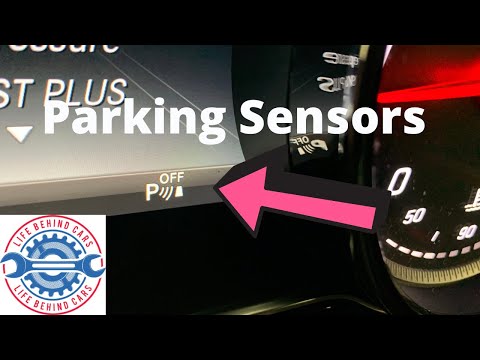
Mercedes Classe E
(2016-2023 /
W213)
.. disable the parking sensors on a Mercedes Benz E-Class, model W213, produced from 2016 to 2023. This operation is very simple as there is a dedicated.. …
Mercedes Classe E
(2009-2016 /
W212)
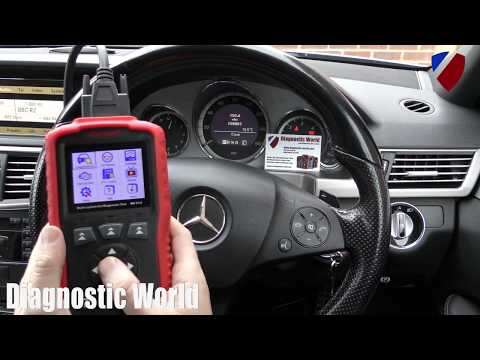
.. the parking sensor control unit on a Mercedes E-Class; this procedure is performed when the parking sensors are stuck or not functioning. The first step.. …

Mercedes Classe E
(2016-2023 /
W213)
.. to disable the ESP system on the Mercedes S-Class. However, it is advised never to disable the ESP to avoid compromising the vehicle's safety and.. …
Other guides you may be interested in |
How to reset the tyre pressure warning light on the Kia Niro EV?
To reset the tyre pressure warning light on the Kia Niro EV, inflate the tyres until they reach the correct pressure value. This value is indicated on the sticker attached to the driver's door pillar. Once the tyres are inflated, turn on the instrument cluster to check that the warning light has completely disappeared from the display. If it is still present, you may need to drive for a few miles to ensure it disappears completely from the screen. by ScegliAuto More videos
|
|
For advertising on this site Write to info@scegliauto.com
ScegliAuto is not responsible for any inaccuracy of the data in the lists. To report any inaccuracy or your business (if you own the business in question), please write to info@scegliauto.com
Number of seconds to generate the page: 0.011
(c) ScegliAuto 2026 - info@scegliauto.com - Privacy policy VAT number: IT01247470535 |
