
|
Do it yourself
| |||
| ||||


Instructions for using the passenger airbag of the Mercedes CLK
Model: Mercedes Clk
A208, W208, C208
- Years 1997-2003
In this short guide, we will see the instructions regarding the use of the front passenger airbag on the Mercedes CLK, but in general on most models of the manufacturer. On the central part of the dashboard there is a signal that indicates whether the passenger airbag is active or inactive; it is not a button but a simple indicator, as the front passenger airbag activates and deactivates automatically based on the presence or absence of the passenger. In this simple way, there is no problem of remembering if the passenger airbag is active or inactive.
Posted on 8 December 2024 by ScegliAuto
Video tutorial
Related tutorials
Mercedes Clk
(2002-2010 /
W209, A209, C209)
In this guide we will see the instructions that will allow us to disassemble and eventually replace the center tunnel and its components of the Merce…

Mercedes Clk
(2002-2010 /
W209, A209, C209)
To easily find the OBD2 port located inside the cabin of your Mercedes CLK 350, simply read the following guide and follow the steps. Start by gettin…
Mercedes Clk
(1997-2003 /
A208, W208, C208)
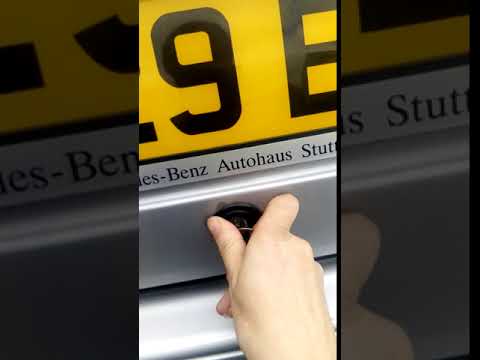
In this brief and simple guide, learn how to manually open the rear boot of the Mercedes CLK by following the instructions below. First, move to the …
Other guides you may be interested in
|
How to Reset the Tyre Pressure Light on the Opel Grandland X
While driving, if you notice the tyre pressure warning light coming on, first check the actual inflation pressure of the tyres and, if necessary, restore the pressures recommended by the manufacturer. After restoring the correct pressures, you need to reset the warning light that has illuminated on the instrument cluster. To do this, locate the reset button on the lower central console. Press this button and hold it down for at least 3 seconds, after which the low pressure indication will turn off. by ScegliAuto More videos
|
|
For advertising on this site Write to info@scegliauto.com
ScegliAuto is not responsible for any inaccuracy of the data in the lists. To report any inaccuracy or your business (if you own the business in question), please write to info@scegliauto.com
Number of seconds to generate the page: 0.173
(c) ScegliAuto 2026 - info@scegliauto.com - Privacy policy VAT number: IT01247470535 |
