
|
Do it yourself
| |||
| ||||


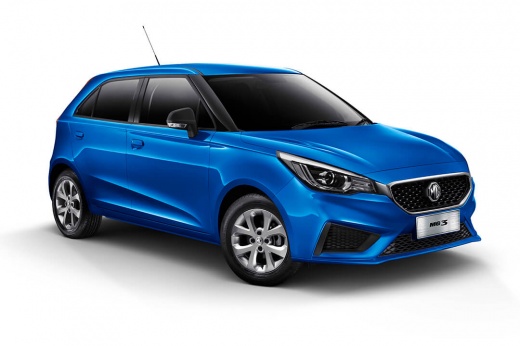
How to Reset the Tire Warning Light on the MG 3?
Model: MG 3
MK 2
- Years:
2011, 2012, 2013, 2014, 2015, 2016, 2017, 2018, 2019, 2020, 2021, 2022
Video tutorial
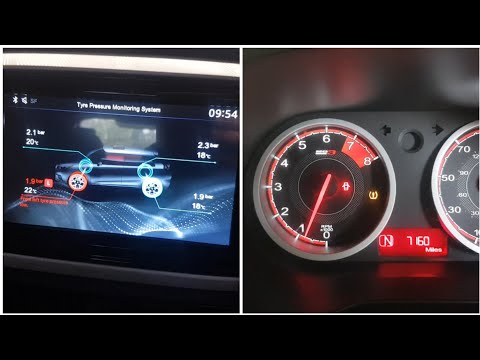
In this tutorial, you will see how to reset the tire warning light on the MG 3, a very simple operation to perform only after restoring the correct pressure in each tire following, for example, a flat. First, turn on the instrument cluster, then scroll through the display screens using the button located at the end of the left lever. Once you reach the screen indicating "TPMS Reset," press and hold the same button until the procedure is complete. Next, restart the instrument cluster and verify that the operation was successful.
Updated on 16 May 2026 by ScegliAuto
Related tutorials
MG 3
(2008-2011 /
MK 1)
If the tire pressure warning light continues to appear on the instrument panel of your first series MG 3 even if there are no punctures, then you mus…
MG 3
(2011-2024 /
MK 2)
In today's tutorial, we will see how to reset the TPMS warning light, which indicates tire pressure, on an MG 3, a second-generation facelift model p…

MG 3
(2008-2011 /
MK 1)
If, after changing or inflating the tires on your MG 3, you notice the tire warning light is on, don't worry because the problem can be easily resolv…
Other guides you may be interested in
|
How to Reset the Tyre Pressure Warning Light on the Jeep Renegade?
To reset the tyre pressure warning light on the Jeep Renegade, inflate the tyres until they reach the recommended pressure: this value is indicated on the sticker attached to the driver’s door pillar. Once the tyres are properly inflated, navigate through the menu that appears on the instrument cluster until you find the tyre pressure option. At this point, press and hold the OK button on the right side of the steering wheel to make the warning light disappear. by ScegliAuto More videos
|
|
For advertising on this site Write to info@scegliauto.com
ScegliAuto is not responsible for any inaccuracy of the data in the lists. To report any inaccuracy or your business (if you own the business in question), please write to info@scegliauto.com
Number of seconds to generate the page: 0.023
(c) ScegliAuto 2026 - info@scegliauto.com - Privacy policy VAT number: IT01247470535 |
