
|
Do it yourself
| |||
| ||||


How to connect the smartphone to our Mini Cooper - Countryman
Model: Mini Mini
F57, F56, F55, F54
- Years 2014-2023
In this video tutorial we will see how to associate and connect our mobile smartphone to the multimedia system present on our Mini Cooper, but also on the Countryman. First we get in the car and start the engine; then let's download the car application on the store, as shown in the video. At this point we log in and connect our mobile phone to the car, by entering the code provided; in this way it will be possible to take advantage of various services, as well as to know the current information of the car!
Posted on 12 September 2021 by ScegliAuto
Video tutorial
Related tutorials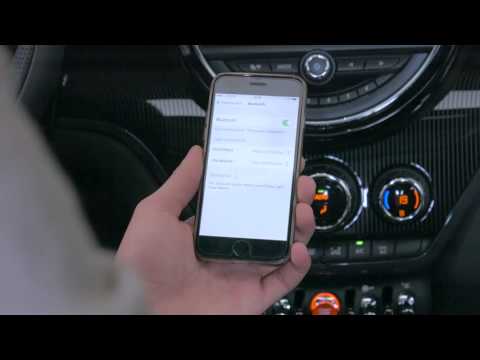
Mini
(2017-2023 /
Countryman2, F60)
.. mobile phone to the multimedia system of the Mini Countryman, but also of the Cooper. First we get in the car and start the engine; after which we go.. …
Mini
(2010-2016 /
Countryman1, R60)
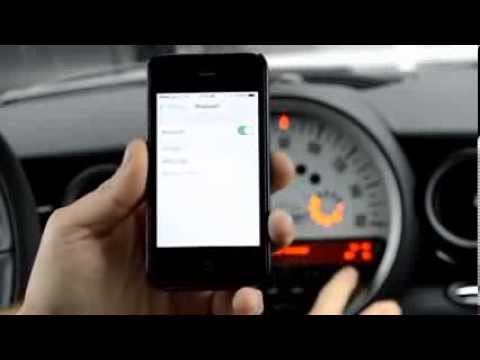
This video shows how to connect your smartphone to the Bluetooth system of a Mini's car radio. Activate Bluetooth on your smartphone and set the car …
Mini
(2010-2016 /
Countryman1, R60)
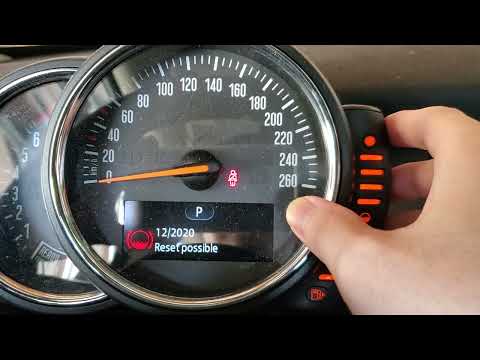
.. guide of ours dedicated to your 2016 Mini Cooper Countryman, we are going to describe you the necessary steps to be able to easily reset the car's service.. …
Other guides you may be interested in
|
Frequently Asked QuestionsHow to Remove the Stereo from a Hyundai i20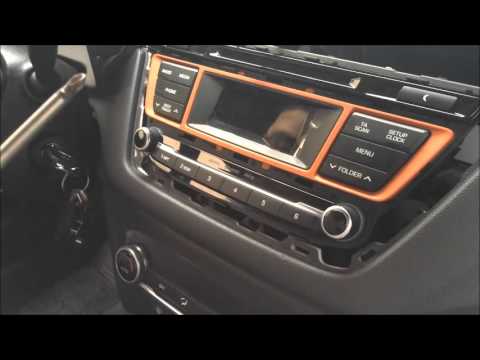
Want to remove the stereo from your Hyundai but don’t know how? In this video, see how to remove the original stereo from your car. First, remove the dashboard cover plastics using a plastic tool, then detach the central frame of the stereo (where the air vents are located) along with the related clips of the control buttons. Once the stereo is free from constraints, unscrew the fastening screws on its sides. Pull the stereo out by hand and disconnect the cables (power and antenna). To reassemble, proceed in reverse. by ScegliAuto More videos
|

|
For advertising on this site Write to info@scegliauto.com
ScegliAuto is not responsible for any inaccuracy of the data in the lists. To report any inaccuracy or your business (if you own the business in question), please write to info@scegliauto.com
Number of seconds to generate the page: 0.062
(c) ScegliAuto 2026 - info@scegliauto.com - Privacy policy VAT number: IT01247470535 |
