
|
Do it yourself
| |||
| ||||


How to permanently deactivate the START&STOP feature of the Mini Cooper?
Model: Mini Mini
Countryman2, F60
- Years 2017-2023
Today we will explain how to permanently deactivate the START&STOP system of a Mini Cooper vehicle. To disable this system, it is necessary to connect a diagnostic computer to our car, using the OBD2 port. Once connected, we can go to "domain control" and then select "automatic start/stop function". Then, select "activate" and confirm that you have taken note of the changes made to the vehicle. When you have finished loading, disconnect the PC and start the car, perform a test drive to verify that the function has been deactivated.
Posted on 18 November 2023 by ScegliAuto
Video tutorial
Related tutorials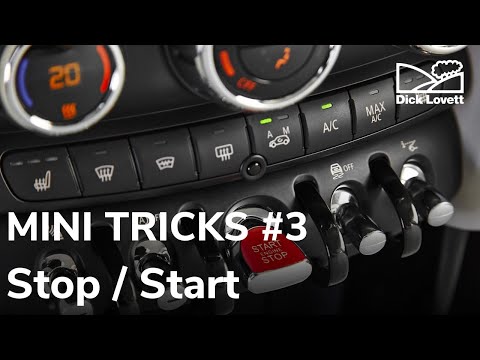
Mini
(2014-2023 /
F57, F56, F55, F54)
In order to deactivate the Start&Stop feature of the Mini Cooper, you need to turn on the car by inserting the appropriate key into the ignition swit…
Mini
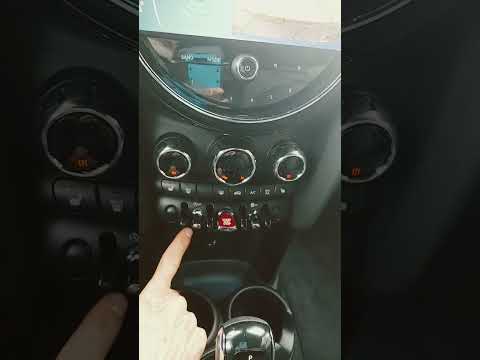
(2017-2023 /
Countryman2, F60)
In order to deactivate the Start&Stop function of the Mini Cooper, you need to insert the ignition key into the corresponding slot so that you can pr…
Mini
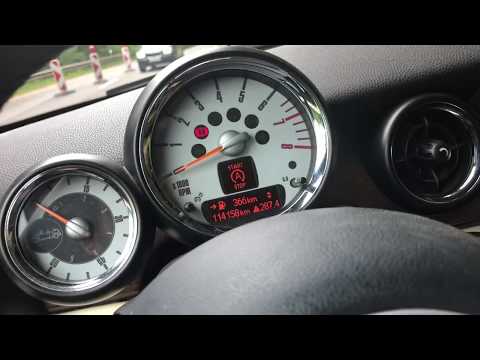
(2007-2014 /
R56, R57, R55)
Following these brief and simple steps, we will see how to activate or deactivate the Start&Stop system of the Mini Cooper. First of all, we get into…
Other guides you may be interested in |
Frequently Asked QuestionsHow to Remove the Cabin Fan Resistor on a Mercedes A-Class W169
If the cabin fan speed does not change when adjusted or only activates at maximum speed, the fan resistor may be damaged. Replacing it is fairly easy, and the part is readily available. The resistor is located right behind the center console, but you can access it by removing the trim panel directly below the steering column and then detaching the side cover of the tunnel. At this point, you can easily reach the resistor and its power connector; just pull it out of its housing to replace it. by ScegliAuto More videos
|

|
For advertising on this site Write to info@scegliauto.com
ScegliAuto is not responsible for any inaccuracy of the data in the lists. To report any inaccuracy or your business (if you own the business in question), please write to info@scegliauto.com
Number of seconds to generate the page: 0.049
(c) ScegliAuto 2026 - info@scegliauto.com - Privacy policy VAT number: IT01247470535 |
