
|
Do it yourself
| |||
| ||||


How to replace the rear brake discs on a Mini R50 R53
Model: Mini Mini
R53, R50, R52
- Years 2001-2007
In this video we can see how to replace the rear brake discs of a Mini R50/R53: we start by opening the brake fluid cap, then we lift the car and remove the rear wheels; we separate the brake pads, then unscrew the attachment and disconnect the retaining spring; we can remove the caliper, which we will tie to the body with a wire, without disconnecting it to avoid depressurizing the system. We remove the pads and clean the fixing elements with WD-40; we unscrew the caliper attachment and then unscrew the brake disc screws, which we can remove. We clean the hub and then treat the surface with copper grease; we can install the new brake disc, install the caliper support and then the brake pads. Now we have to reassemble the brake caliper and secure it. Using a brake cleaner, we remove the anti-corrosion grease from the new brake disc, and with WD-40 we treat the mounting seat of the brake caliper retaining spring. We put back the spring and without starting the engine we press the pedal several times, until we feel the right resistance. We treat the surface with which the disc contacts the wheel with copper grease. We put back the wheels and lower the car. Job done.
Posted on 21 April 2024 by ScegliAuto
Video tutorial
Related tutorials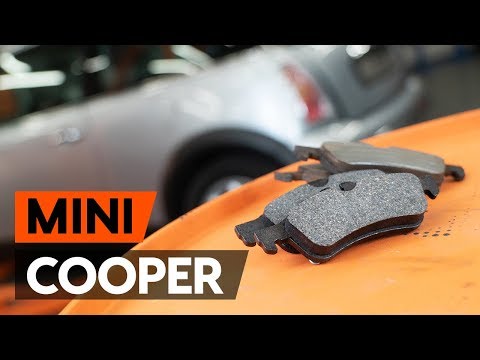
Mini
(2001-2007 /
R53, R50, R52)
In order to replace the rear brake pads of the Mini Cooper, you need to lift the car with a jack or a lift, so that the wheel corresponding to the pa…
Mini
(2001-2007 /
R53, R50, R52)
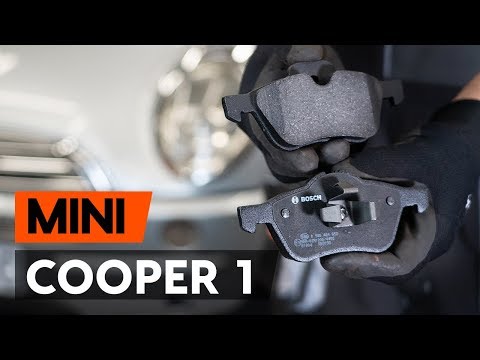
In order to replace the front brake pads of the Mini R50 you have to lift the car and loosen all the bolts that secure the front wheel. Once removed,…
Mini
(2001-2007 /
R53, R50, R52)
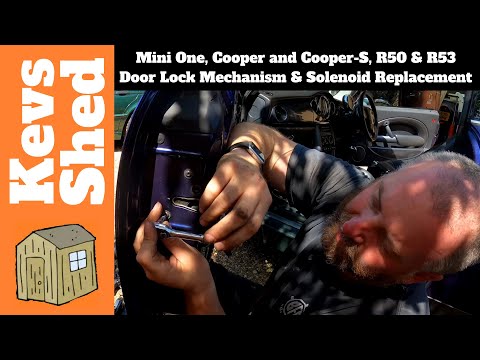
In this video tutorial we will see how to remove and replace the lock module on the Mini One and on the Cooper, in the R50 and R53 versions. First we…
Other guides you may be interested in
|
How to Remove the Dome Light in a Mercedes C-Class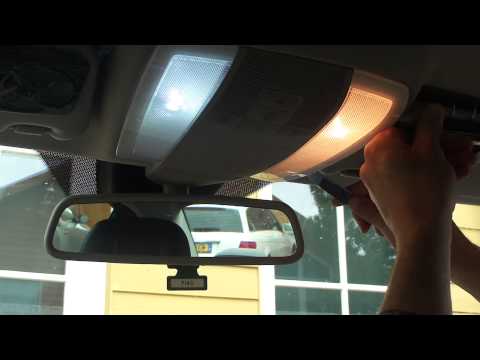
In this video, see how to replace the bulb or LED in the dome light of a Mercedes C-Class. Using a screwdriver or plastic trim tool, pry between the dome light cover and its perimeter (without breaking the plastic), remove the grille from the dome light, and then take out the clear plastic cover. Replace the damaged bulb with a new one (same size and voltage). Reinstall the plastic cover in its housing (press it in with your hands until the tabs are fully secured). Test the light's proper functioning before reinstalling the piece. by ScegliAuto More videos
|
|
For advertising on this site Write to info@scegliauto.com
ScegliAuto is not responsible for any inaccuracy of the data in the lists. To report any inaccuracy or your business (if you own the business in question), please write to info@scegliauto.com
Number of seconds to generate the page: 0.087
(c) ScegliAuto 2026 - info@scegliauto.com - Privacy policy VAT number: IT01247470535 |
