
|
Do it yourself
| |||
| ||||


How to reset the tire pressure sensor of the Mini Cooper R52
Model: Mini Mini
R52, R50, R53
- Years 2001-2007
If the tire pressure warning light on your Mini Cooper R52 continues to stay on constantly on the instrument panel and you want to manually reset it, then all you have to do is follow these steps. First of all, go inside your Mini Cooper R52 and reach the driver's seat, then locate the button with the tire pressure warning light icon on it located to the right of the handbrake lever. At this point, hold down the button until you complete the reset of the warning light.
Posted on 13 August 2024 by ScegliAuto
Video tutorial
Related tutorials
Mini
(2001-2007 /
R52, R50, R53)
In this article, we will see how to reprogram the key of our Mini Cooper R52. This procedure can be useful in case the key needs to be recoded. To re…
Mini
(2001-2007 /
R52, R50, R53)
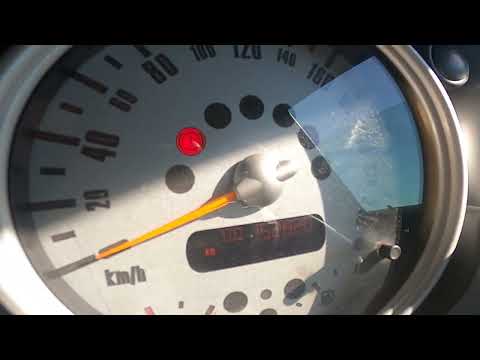
Thanks to today's very short video tutorial, we can see the entire process needed to reset the tire pressure warning light on a Mini Cooper, model pr…
Mini
(2001-2007 /
R52, R50, R53)
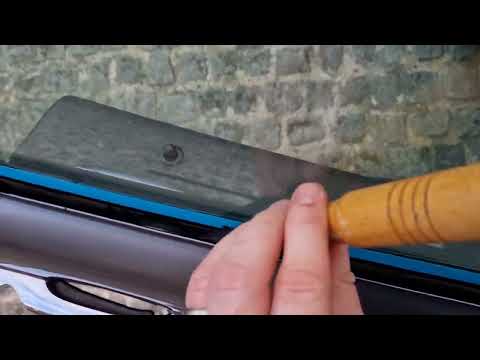
Today in this short and simple guide, we will see the instructions that will allow us to adjust the side window of the front door of the Mini Cooper.…
Other guides you may be interested in
|
How to Remove the Spark Plugs from a Volkswagen Up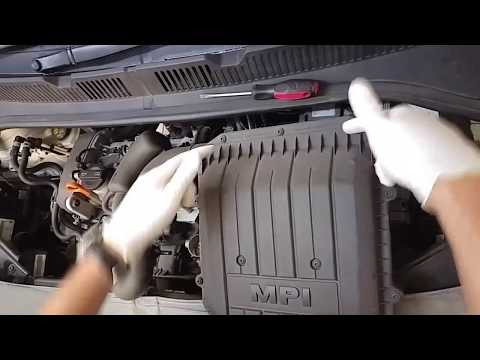
How to remove and replace the spark plugs on a Volkswagen Up? Follow these steps for proper removal. Pull the lever to open the engine compartment and lift the front bonnet, securing it in place. Remove the plastic soundproofing panel on the cylinder head, then disconnect the power connectors using a screwdriver after unscrewing them with a socket wrench. Pull off the coils by hand and unscrew the spark plugs with the socket wrench, finally pulling them out of the cylinder head. Take the new spark plugs and guide them into the engine head using the extension of the socket wrench. Finally, tighten the spark plugs securely and reconnect the respective power connectors. To finish: reassemble the soundproofing panel and close the engine bonnet. - Socket wrench with sockets - Flat or screwdriver bits - Battery-powered screwdriver - Protective gloves. by ScegliAuto More videos
|
|
For advertising on this site Write to info@scegliauto.com
ScegliAuto is not responsible for any inaccuracy of the data in the lists. To report any inaccuracy or your business (if you own the business in question), please write to info@scegliauto.com
Number of seconds to generate the page: 0.058
(c) ScegliAuto 2026 - info@scegliauto.com - Privacy policy VAT number: IT01247470535 |
