
|
Do it yourself
| |||
| ||||


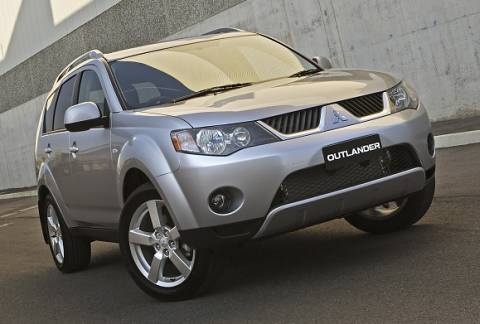
Replacing the Driveshaft Boot on a Mitsubishi Outlander MK2
Model: Mitsubishi Outlander
MK 2
- Years:
2007, 2008, 2009, 2010, 2011, 2012
This video is currently unavailable
In today's video, you will see how to remove and replace the front driveshaft boot on a second-generation Mitsubishi Outlander. First, lift the vehicle and remove the front wheel; then disconnect the suspension pin from the braking system, as shown in the video. At this point, also unscrew the driveshaft pin to detach and remove it using a socket wrench; once the driveshaft is extracted, you can unscrew the clamp screws to remove the boot and replace it with a new one. Follow the video tutorial until the end for reassembly!
Updated on 11 April 2026 by ScegliAuto
Related tutorials
Mitsubishi Outlander
(2001-2006 /
MK 1)
In this video, follow the main instructions to remove and replace the front driveshaft on a first-generation Mitsubishi Outlander. First, lift the ve…
Mitsubishi Outlander
(2007-2012 /
MK 2)
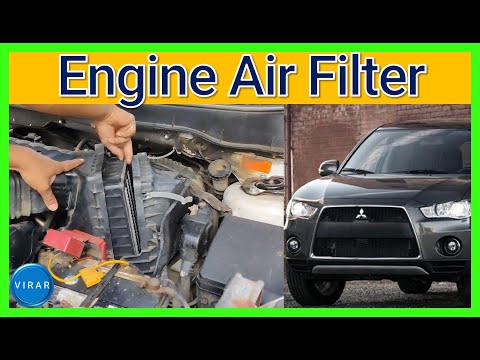
If you own a Mitsubishi Outlander Mk2 and need guidance on correctly replacing the engine air filter, you are in the right place. Simply read the ins…

Mitsubishi Outlander
(2007-2012 /
MK 2)
Let's see how to remove the rear headlight of the Mitsubishi Outlander. Lift the rear boot to access the inside of the boot space, then find the scre…
Other guides you may be interested in
|
How to reset the tyre pressure warning light on the Kia Niro EV?
To reset the tyre pressure warning light on the Kia Niro EV, inflate the tyres until they reach the correct pressure value. This value is indicated on the sticker attached to the driver's door pillar. Once the tyres are inflated, turn on the instrument cluster to check that the warning light has completely disappeared from the display. If it is still present, you may need to drive for a few miles to ensure it disappears completely from the screen. by ScegliAuto More videos
|
|
For advertising on this site Write to info@scegliauto.com
ScegliAuto is not responsible for any inaccuracy of the data in the lists. To report any inaccuracy or your business (if you own the business in question), please write to info@scegliauto.com
Number of seconds to generate the page: 0.017
(c) ScegliAuto 2026 - info@scegliauto.com - Privacy policy VAT number: IT01247470535 |
