
|
Do it yourself
| |||
| ||||


How to change the battery of a Nissan Navara D40
Model: Nissan Navara
D40
- Years:
2005, 2006, 2007, 2008, 2009, 2010, 2011, 2012, 2013, 2014, 2015
Video tutorial
Let's see how to change the battery of a Nissan Navara D40: on this vehicle, the battery mounting bracket is specific, so let's check carefully first if the current battery is of the "stepped profile" type (top higher and narrower) or "flat type." Loosen the nut of the negative terminal and move it away from the battery, then do the same with the positive. Unscrew the mounting bracket, held by two nuts. Now we can remove the old battery. Clean the cable terminals and the battery compartment from any deposits of oxide and corrosion. Position the new battery, put the mounting bracket back in place, and reconnect the terminals: first the positive terminal and then the negative. Close the hood and try to start the car to see if everything works. It is likely that we will need to reset some functions (clock, radio, power windows).
Posted on 15 January 2026 by ScegliAuto
Related tutorials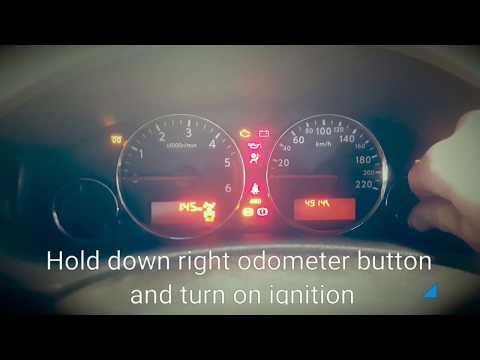
Nissan Navara
(2005-2015 /
D40)
Thanks to this useful video tutorial, you can see how to reset the oil change light on a Nissan Navara, model D40, produced from 2005 to 2015. The pr…

Nissan Navara
(2005-2015 /
D40)
This brief guide outlines the main instructions to engage or disengage 4WD on the first series Nissan Navara (D40) by following these simple steps. F…

Nissan Navara
(2005-2015 /
D40)
In the video linked at the bottom, the procedure to reset the oil change light on a Nissan Navara D40 is illustrated. It is recommended to perform th…
Other guides you may be interested in
|
How to reset the tyre pressure warning light on the Kia Niro EV?
To reset the tyre pressure warning light on the Kia Niro EV, inflate the tyres until they reach the correct pressure value. This value is indicated on the sticker attached to the driver's door pillar. Once the tyres are inflated, turn on the instrument cluster to check that the warning light has completely disappeared from the display. If it is still present, you may need to drive for a few miles to ensure it disappears completely from the screen. by ScegliAuto More videos
|
|
For advertising on this site Write to info@scegliauto.com
ScegliAuto is not responsible for any inaccuracy of the data in the lists. To report any inaccuracy or your business (if you own the business in question), please write to info@scegliauto.com
Number of seconds to generate the page: 0.118
(c) ScegliAuto 2026 - info@scegliauto.com - Privacy policy VAT number: IT01247470535 |
