
|
Do it yourself
| |||
| ||||


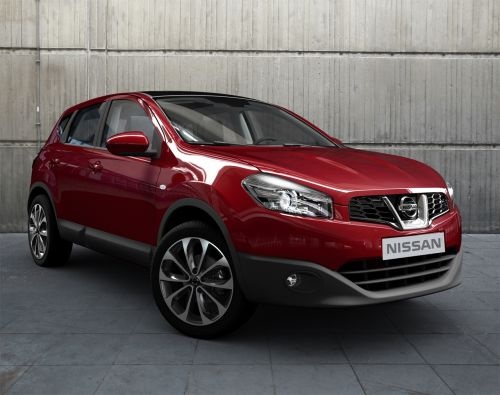
How to Replace the Car Remote Battery on a Nissan Qashqai
Model: Nissan Qashqai
J10
- Years:
2006, 2007, 2008, 2009, 2010, 2011, 2012, 2013, 2014
Video tutorial
Today, we will explain how to independently replace the car remote battery on a Nissan Qashqai model J10 in just a few minutes. To perform the replacement, you will need a CR 2032 battery and a flathead screwdriver. Insert the screwdriver into the slot at the base of the remote. Applying a slight upward pressure, the remote will open in two, allowing you to replace the battery. Once the battery is replaced, close the remote. Test the remote's functionality by standing in front of the vehicle and pressing the lock and unlock buttons.
Posted on 24 February 2026 by ScegliAuto
Related tutorials
Nissan Qashqai
(2006-2014 /
J10)
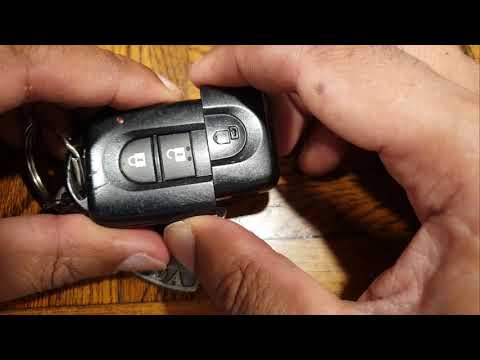
This brief guide will show you how to disassemble and replace the battery in the key fob for the Nissan Qashqai. First, take your key fob and pry ope…
Nissan Qashqai
(2014-2022 /
J11)
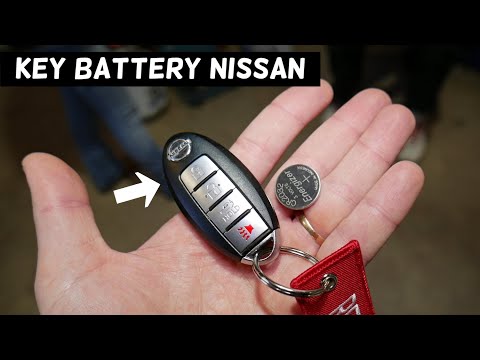
Briefly review the steps to disassemble and replace the battery of the Nissan Qashqai key fob. First, take your key fob and remove the physical key f…
Nissan Qashqai
(2006-2014 /
J10)
In this guide, we will explore the steps to disassemble and replace the battery of the remote key for the Nissan Qashqai. First, take your remote and…
Other guides you may be interested in
|
How to lower the rear seats in the Peugeot 206?
In this tutorial, you will see how to lower the rear seats in the Peugeot 206, a very simple and quick operation, for example, if you need more space in the boot. First, open both the doors and the tailgate, then unclip the seat base and position it vertically. Next, remove the horizontal partition, locate the release levers at the ends of both seatbacks, and, by operating them, lower the seatbacks. To reassemble everything, simply follow the reverse procedure. by ScegliAuto More videos
|
|
For advertising on this site Write to info@scegliauto.com
ScegliAuto is not responsible for any inaccuracy of the data in the lists. To report any inaccuracy or your business (if you own the business in question), please write to info@scegliauto.com
Number of seconds to generate the page: 0.045
(c) ScegliAuto 2026 - info@scegliauto.com - Privacy policy VAT number: IT01247470535 |
