
|
Do it yourself
| |||
| ||||


How to Replace the Battery in a Nissan Key
Model: Nissan Qashqai
J11
- Years 2014-2022
If the Nissan Smart Key starts to lose range, displays a low battery warning, or requires multiple presses to open/close, the quickest solution is to replace the internal battery with a new one of the same type. Work on a clean surface with good lighting. Extract the emergency mechanical key (usually slides out or is released via a small latch) and locate the notch along the seam of the shell. Carefully insert a plastic tool or a small flathead screwdriver into the notch and gently pry around the perimeter until the two halves separate. Once the key is open, locate the battery and note the orientation (polarity) before removing it. Extract the battery without bending contacts or springs and insert the new battery, ensuring the same orientation. Avoid touching the battery contacts with your fingers for long: if this happens, a light wipe with a dry cloth can help. Close the shell by aligning the clips properly and press until you hear them click into place. Reinsert the mechanical key and immediately check that the opening/closing and starting functions work correctly. If the key does not respond, reopen it and check especially the polarity, correct battery seating, and well-placed contacts.
Posted on 10 July 2026 by ScegliAuto
Video tutorial
Related tutorials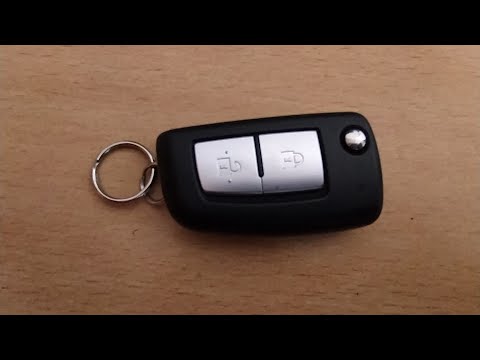
Nissan Qashqai
(2006-2014 /
J10)
To replace the battery in the Nissan Qashqai key, follow this procedure: First, open the key as if inserting it into the ignition using the button. O…
Nissan Qashqai
(2006-2014 /
J10)
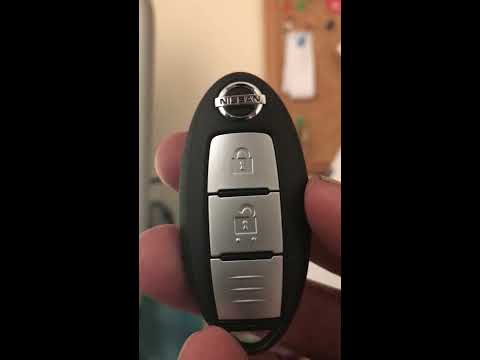
Start by pressing and holding the button located on the back of the key fob of your Nissan Qashqai, then extract the physical emergency key. Next, us…
Nissan Qashqai
(2006-2014 /
J10)
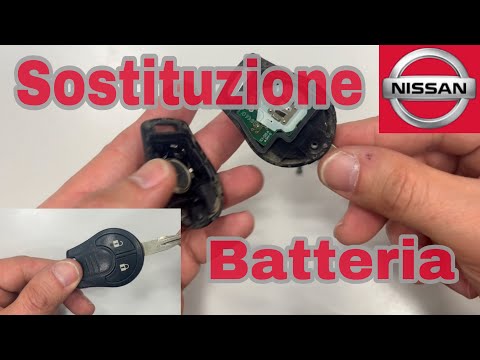
To replace the battery in the Nissan Qashqai key, first unscrew the screw located at the bottom of the key cover. Once the screw is removed, gently p…
Other guides you may be interested in
|
Frequently Asked QuestionsHow to Reset the Central Locking of the Volkswagen Golf 4?
If the central locking system of the Volkswagen Golf 4 is not working, it is likely necessary to reset the system: to do this, open the driver's door and detach the side panel of the dashboard next to the steering wheel. Under this panel, you will find the fuses, including the one for the central locking, which is indicated in the manual as number 14. To reset the system, remove this fuse from its housing, then reinsert it or replace it with a new one of the same amperage: this will reset the central locking system. by ScegliAuto More videos
|

|
For advertising on this site Write to info@scegliauto.com
ScegliAuto is not responsible for any inaccuracy of the data in the lists. To report any inaccuracy or your business (if you own the business in question), please write to info@scegliauto.com
Number of seconds to generate the page: 0.318
(c) ScegliAuto 2026 - info@scegliauto.com - Privacy policy VAT number: IT01247470535 |
