
|
Do it yourself
| |||
| ||||


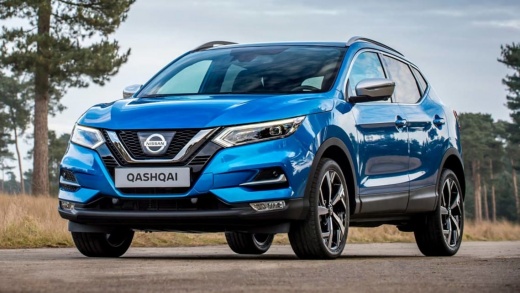
How to Remove the Turbo from a Qashqai 1.5 2012
Model: Nissan Qashqai
J11
- Years:
2014, 2015, 2016, 2017, 2018, 2019, 2020, 2021, 2022
Video tutorial
Learn how to remove the turbo from a Nissan Qashqai. Open the bonnet, lift it, and secure it. Remove the plastic soundproofing panel from the engine bay, unscrew the turbo securing bolts (located in the engine bay) with a suitable socket wrench, remove the valve from the engine seat, and disconnect the various power connectors using a screwdriver or needle-nose pliers. After comparing the damaged valve with the new one, install the turbo onto the engine block in the bay, tighten it securely with the bolts, and reconnect the connectors. Test the correct operation of the car.
Updated on 15 March 2026 by ScegliAuto
Related tutorials
Nissan Qashqai
(2014-2022 /
J11)
If you want to proceed with a DIY replacement of the turbocharger assembly on this car model, the description below outlines the various steps to tak…
Nissan Qashqai
(2006-2014 /
J10)
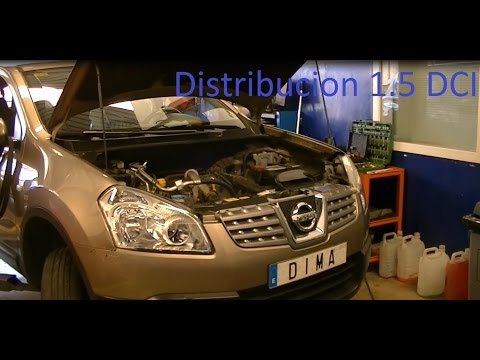
Before starting, lift your Nissan Qashqai. Begin by removing the front wheel and the inner wheel arch by unscrewing the relevant bolts and clips. Nex…
Nissan Qashqai
(2006-2014 /
J10)
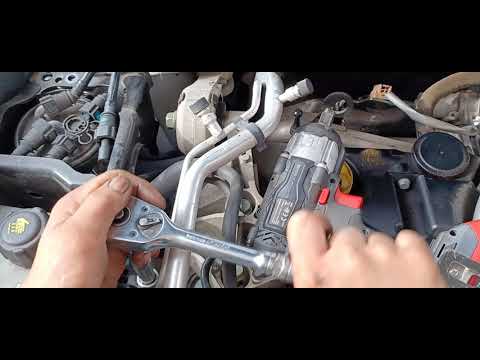
Discover in this video the step-by-step instructions for removing and replacing the timing belt, and when to change it, on the Nissan Qashqai 1.5 DCI…
Other guides you may be interested in
|
How to Reset the Tire Pressure Light on a MG ZS?
On the instrument cluster of the MG ZS, the tire pressure light that appears can be reset by inflating the tires to the correct pressure: this value will be indicated on the sticker attached to the driver's door pillar. Once the tires have been properly inflated, you can turn on the instrument cluster and navigate through the menu until you find the option that indicates tire pressure: if this screen shows the new values, the light will turn off; otherwise, you will need to drive for a few miles so that the sensors can read the new values and turn off the light afterward. by ScegliAuto More videos
|
|
For advertising on this site Write to info@scegliauto.com
ScegliAuto is not responsible for any inaccuracy of the data in the lists. To report any inaccuracy or your business (if you own the business in question), please write to info@scegliauto.com
Number of seconds to generate the page: 0.034
(c) ScegliAuto 2026 - info@scegliauto.com - Privacy policy VAT number: IT01247470535 |
