
|
Do it yourself
| |||
| ||||


How to Install a 10'' Android Headunit in the Nissan Almera Versa
Model: Nissan Almera Versa
N17
- Years 2012-2019
In this video, you will learn how to install a 10-inch Android Headunit in the Nissan Almera Versa. Take a thin plastic trim tool and carefully pry up the two edges of the dashboard and lift it gently. Before completely removing it, make sure to disconnect the connector located behind the dashboard. Now, remove the four screws that secure the radio, and after disconnecting the connector, take it out of its housing. Next, connect the Android Headunit's connector to the main connector of the onboard computer. Do the same with the other cables as shown in the video. Then, install the two air vents behind the new dashboard and reassemble everything.
Updated on 30 June 2026 by ScegliAuto
Video tutorial
Related tutorials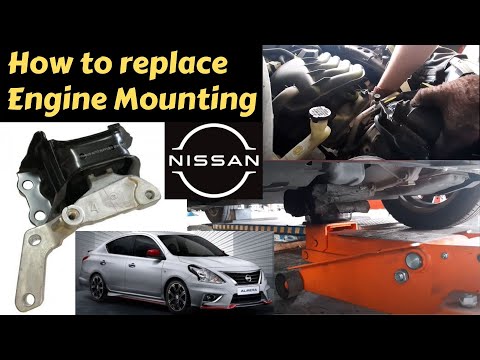
Nissan Almera Versa
(2012-2019 /
N17)
Today, you will briefly see the guide on how to remove and replace the engine mount on the Nissan Almera Versa. First, open the hood of your car and …

Nissan Almera Versa
(2012-2019 /
N17)
The following steps will show us how to disassemble and replace the car radio antenna of the Nissan Almera Versa. First of all, let's move to the bac…
Nissan Almera Versa
(2012-2019 /
N17)
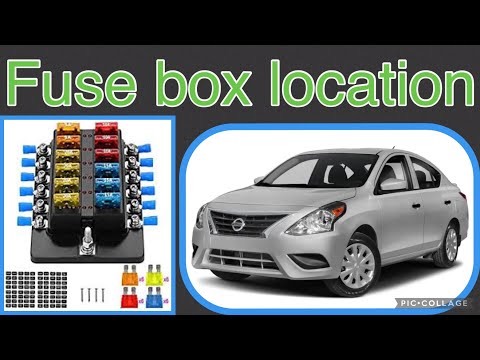
Your 2019 Nissan Almera Versa has two distinct fuse boxes, but in this guide, we will discover where the main one is located. This box contains a lar…
Other guides you may be interested in
|
How to Open a Stuck Boot on the Peugeot 407?
On the Peugeot 407, the boot may become stuck, possibly due to a problem with the control button or the lock actuator. In such cases, you can perform an emergency opening by following the simple procedure shown in this tutorial. First, open the rear doors, then lower the seat back by operating the release lever. Next, go inside the boot, locate the lock, and manually operate it using a flathead screwdriver. The boot will then be free to open. by ScegliAuto More videos
|
|
For advertising on this site Write to info@scegliauto.com
ScegliAuto is not responsible for any inaccuracy of the data in the lists. To report any inaccuracy or your business (if you own the business in question), please write to info@scegliauto.com
Number of seconds to generate the page: 0.109
(c) ScegliAuto 2026 - info@scegliauto.com - Privacy policy VAT number: IT01247470535 |
