
|
Do it yourself
| |||
| ||||


Resetting Service Light on Opel Mokka
Model: Vauxhall Mokka
Mokka A
- Years 2012-2019
When the display on the instrument cluster indicates that the engine oil needs to be replaced, it means that either the expected mileage has been reached or the time limit (1 year) has arrived; after performing the regular maintenance, reset the light manually using the controls on the indicator stalk; - Turn on the ignition without starting the engine; - Press the MENU button to enter the settings; - Use the selector with the arrows to select the reset option; - Use the SET/CLR button located beside the stalk to confirm; - Select YES with the selector; - Press SET/CLR to confirm and complete the procedure.
Updated on 2 March 2026 by ScegliAuto
Video tutorial
Related tutorials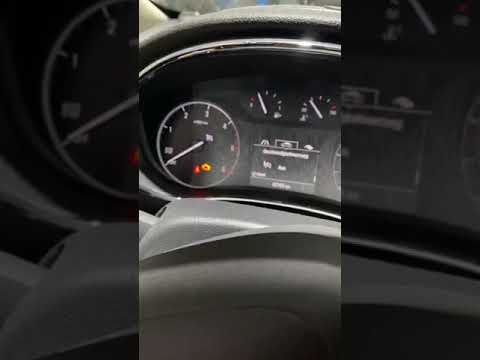
Vauxhall Mokka
(2012-2019 /
Mokka A)
Today's guide will show you how to reset the service light for the regular maintenance oil change on the Opel Mokka. First, get in the vehicle and pr…

Vauxhall Mokka
(2012-2019 /
Mokka A)
In today's guide, you will see instructions on how to reset the service light for the routine maintenance oil change on a first-generation Opel Mokka…

Vauxhall Mokka
(2012-2019 /
Mokka A)
Today's instructions will show you how to reset the maintenance light for the engine oil change on an Opel Mokka. First, get inside the vehicle and t…
Other guides you may be interested in
|
Frequently Asked QuestionsHow to Reset the Central Locking of the Volkswagen Golf 4?
If the central locking system of the Volkswagen Golf 4 is not working, it is likely necessary to reset the system: to do this, open the driver's door and detach the side panel of the dashboard next to the steering wheel. Under this panel, you will find the fuses, including the one for the central locking, which is indicated in the manual as number 14. To reset the system, remove this fuse from its housing, then reinsert it or replace it with a new one of the same amperage: this will reset the central locking system. by ScegliAuto More videos
|

|
For advertising on this site Write to info@scegliauto.com
ScegliAuto is not responsible for any inaccuracy of the data in the lists. To report any inaccuracy or your business (if you own the business in question), please write to info@scegliauto.com
Number of seconds to generate the page: 0.139
(c) ScegliAuto 2026 - info@scegliauto.com - Privacy policy VAT number: IT01247470535 |
