
|
Do it yourself
| |||
| ||||


How does the braking assistance work on an Opel Astra K?
Model: Vauxhall Astra
Astra K
- Years:
2015, 2016, 2017, 2018, 2019, 2020, 2021, 2022
Video tutorial
In this video we see how the emergency braking works (and we also see that it was successful). On Opel, the system is called FCA (Forward Collision Alert), whose goal is to avoid or mitigate collisions with the vehicle in front of us. A camera mounted on the windshield constantly monitors the road; the control unit analyzes the camera data to calculate our speed and relative to the vehicle in front of us, the distance and relative speed. When the system intervenes, an acoustic signal appears on the display to warn us to brake immediately; if the driver does not react, the system preloads the brakes and if necessary applies the braking automatically and decisively, as we have seen in the video. If space allows, the car stops completely. However, it is important to know that this is an "assistant" and does not replace the driver's responsibility; furthermore, the system has physical limitations, it may be less effective in very severe weather, very tight curves, vehicles that suddenly enter our lane, or fixed obstacles.
Posted on 25 September 2025 by ScegliAuto
Related tutorials
Vauxhall Astra
(2021-2026 /
Astra L)
The system to deactivate the start & stop feature on the L version of the Opel Astra is really very simple. It’s an operation that can be done whethe…

Vauxhall Astra
(2021-2026 /
Astra L)
In this tutorial, you will see how to disable the lane keeping assist system in an Opel Astra, a very simple and quick operation to perform, for exam…
Vauxhall Astra
(2009-2016 /
Astra J)
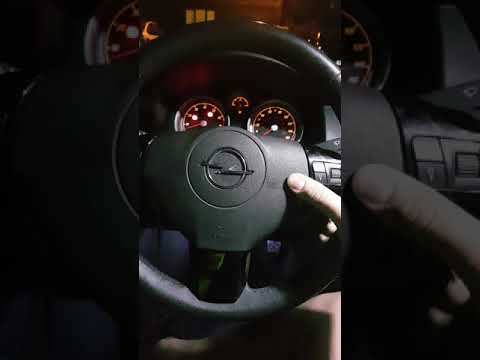
In this video, we see the problem of an Opel Astra whose horn sometimes stops working, likely due to a poor connection; this is confirmed by the fact…
Other guides you may be interested in
|
How to Reset the Tyre Pressure Warning Light on a Kia Rio?
The tyre pressure warning light displayed on the instrument cluster of the Kia Rio can be reset by inflating the tyres until they reach the recommended pressure value: this value is indicated on the sticker affixed to the driver's door pillar. Once all tyres have been inflated to the recommended pressure, turn on the ignition to check that the light has disappeared: if it is still present, it may be necessary to drive for a few miles, allowing the sensors to work and thus turning off the light. by ScegliAuto More videos
|
|
For advertising on this site Write to info@scegliauto.com
ScegliAuto is not responsible for any inaccuracy of the data in the lists. To report any inaccuracy or your business (if you own the business in question), please write to info@scegliauto.com
Number of seconds to generate the page: 0.017
(c) ScegliAuto 2026 - info@scegliauto.com - Privacy policy VAT number: IT01247470535 |
