
|
Do it yourself
| |||
| ||||


The message "C0750" on the onboard computer of the Opel Mokka refers to a diagnostic trouble code (DTC) related to the vehicle's systems. Specifically, it often indicates an issue with the vehicle's wheel speed sensors or the anti-lock braking system (ABS
Model: Vauxhall Mokka
Mokka B
- Years 2020-2026
When the code C0750 appears on the onboard computer of our Opel Mokka, it indicates a fault in the tire pressure monitoring system, specifically pointing to a communication issue with one of the tire pressure sensors. The main cause is that the battery of the sensor has drained; each sensor contains a battery that lasts between 5 and 10 years. When this battery runs out, the sensor stops transmitting data to the car's control unit, generating this error code. A good diagnostic tool can identify which sensor is not responding. Replacing the battery is not possible, so the sensor must be replaced; it is also advisable to replace all of them, as they were activated together, so if one has worn out, the others are likely to do so soon. After replacement, it is essential to reprogram the system so that the control unit recognizes the new (or new) sensor(s).
Posted on 29 November 2025 by ScegliAuto
Video tutorial
Related tutorials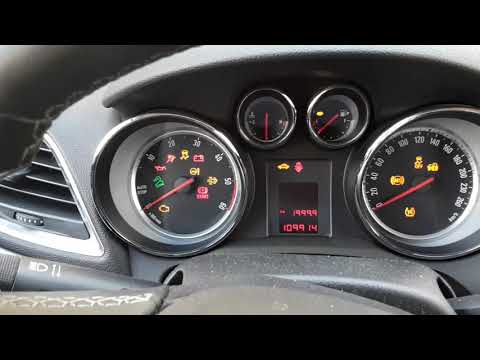
Vauxhall Mokka
(2012-2019 /
Mokka A)
In this video we see how to reset the message appeared on the on-board computer indicating the need to carry out the service in the Opel Mokka. The o…
Vauxhall Mokka
(2012-2019 /
Mokka A)
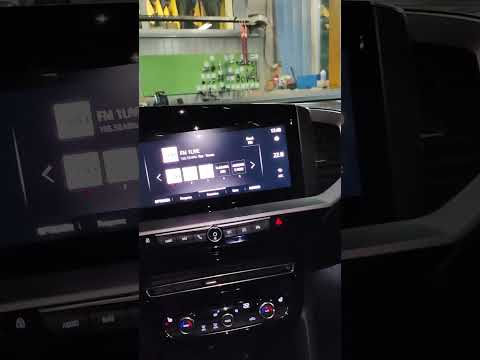
To reset the TPMS warning light, which is related to tire pressure, we first need to restore the tire pressure according to the parameters indicated …

Vauxhall Mokka
(2012-2019 /
Mokka A)
When the "MIL" (Malfunction Indicator Lamp) inside the instrument panel of our Opel Mokka is activated, our car wants to inform us that there is a ge…
Other guides you may be interested in
|
How to Pair Smartphone with Bluetooth System on Fiat Tipo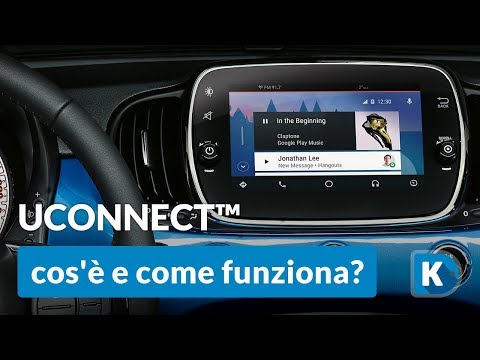
Here’s how to pair your smartphone with the Bluetooth system of the Fiat Tipo's car radio: activate the Bluetooth on your smartphone and set the car radio to connect with the external device. When the car's multimedia system detects your smartphone's Bluetooth, confirm and click on the 'new cell' option. Once the system has detected the smartphone, enter the pairing password if necessary. Finally, download the app on your smartphone and confirm the pairing with the car's multimedia system. Now your smartphone is connected to your car. by ScegliAuto More videos
|
|
For advertising on this site Write to info@scegliauto.com
ScegliAuto is not responsible for any inaccuracy of the data in the lists. To report any inaccuracy or your business (if you own the business in question), please write to info@scegliauto.com
Number of seconds to generate the page: 0.093
(c) ScegliAuto 2026 - info@scegliauto.com - Privacy policy VAT number: IT01247470535 |
