
|
Do it yourself
| |||
| ||||


How to Reset the Service Light on the Opel Astra?
Model: Vauxhall Astra
Astra K
- Years 2015-2022
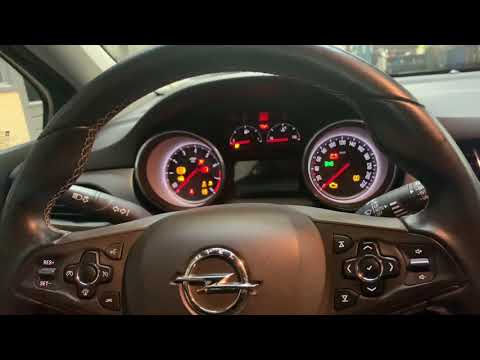
You can reset the Service light displayed on the instrument cluster of the Opel Astra by turning on the ignition to access the menu options; once the menu is displayed, navigate through it using the arrows on the lever to the left of the steering wheel. You will need to scroll through the menu until you find the oil life indicator: once located, press and hold the SET/CLR button at the end of the lever. A confirmation message will appear asking if you really want to reset the light: to confirm, select "Yes" to complete the operation.
Posted on 17 February 2026 by ScegliAuto
Video tutorial
Related tutorials
Vauxhall Astra
(2015-2022 /
Astra K)
To help those who may not know how to reset the service expiration warning for their Opel Astra K, here is the attached video guide. It first shows t…

Vauxhall Astra
(2009-2016 /
Astra J)
In order to reset the Service light that appears on the instrument panel of the Opel Astra, you need to insert the ignition key into the ignition swi…
Vauxhall Astra
(2015-2022 /
Astra K)
To reset the service light on an Opel Astra, turn the key to switch on the instrument cluster: you will need to navigate the menu using the direction…
Other guides you may be interested in
|
How to Replace the Battery on a Honda Vision 110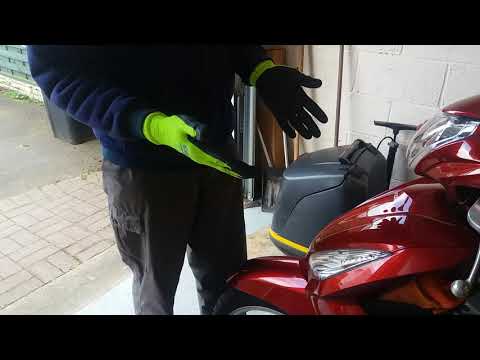
To replace the battery on a Honda Vision 110, you need to remove the front fairing of the motorcycle, located directly under the front headlamp. To loosen this panel, unscrew the two screws found at its top, just below the handlebar. Once these screws are loosened, lever under the panel to detach it, gaining access to the battery underneath: this battery must be removed from its housing by unscrewing the fixing screws and disconnecting the power cables, replacing it with a new one. by ScegliAuto More videos
|

|
For advertising on this site Write to info@scegliauto.com
ScegliAuto is not responsible for any inaccuracy of the data in the lists. To report any inaccuracy or your business (if you own the business in question), please write to info@scegliauto.com
Number of seconds to generate the page: 0.515
(c) ScegliAuto 2026 - info@scegliauto.com - Privacy policy VAT number: IT01247470535 |
