
|
Do it yourself
| |||
| ||||


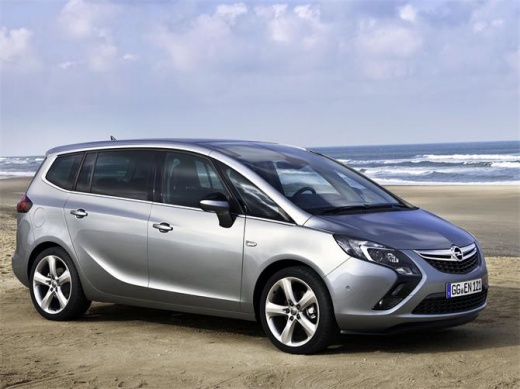
How to Disable the Automatic Door Locking on an Opel Zafira
Model: Vauxhall Zafira
Zafira C, MK 3
- Years:
2011, 2012, 2013, 2014, 2015, 2016, 2017, 2018, 2019
Video tutorial
The instructions in this guide will allow you to disable the automatic door locking on an Opel Zafira, in simple and quick steps. First, get inside the vehicle and start the instrument cluster; go to the settings of the onboard computer using the central buttons and then to the door locking option, as shown in the video. At this point, disable the automatic door locking by changing the selection at any time; exit the vehicle settings, then start the engine!
Posted on 10 March 2026 by ScegliAuto
Related tutorials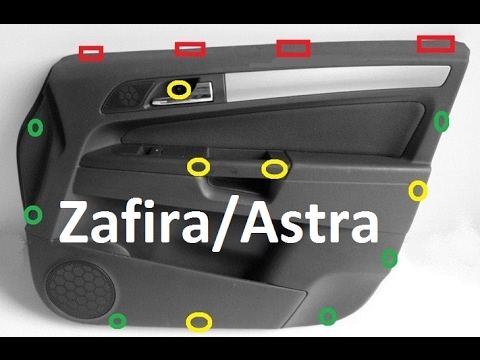
Vauxhall Zafira
(2005-2011 /
MK 2, A05, Zafira B)
Before you can begin, open the door of your Opel Zafira. Start by removing the door inserts using a thin but sturdy tool to pry them off. By doing th…
Vauxhall Zafira
(2005-2011 /
MK 2, A05, Zafira B)
Remove the left front door panel (driver's side) on an Opel Zafira, here’s how to proceed: disconnect the battery terminals located in the engine com…
Vauxhall Zafira
(1999-2005 /
Zafira A, T98, MK 1)
Remove the door panel of the Opel Zafira? Let's see how to disassemble the panel. Remove the screw cover from inside the internal handle, unscrew the…
Other guides you may be interested in
|
How to Reset the Tyre Pressure Warning Light on a Kia Rio?
The tyre pressure warning light displayed on the instrument cluster of the Kia Rio can be reset by inflating the tyres until they reach the recommended pressure value: this value is indicated on the sticker affixed to the driver's door pillar. Once all tyres have been inflated to the recommended pressure, turn on the ignition to check that the light has disappeared: if it is still present, it may be necessary to drive for a few miles, allowing the sensors to work and thus turning off the light. by ScegliAuto More videos
|
|
For advertising on this site Write to info@scegliauto.com
ScegliAuto is not responsible for any inaccuracy of the data in the lists. To report any inaccuracy or your business (if you own the business in question), please write to info@scegliauto.com
Number of seconds to generate the page: 0.047
(c) ScegliAuto 2026 - info@scegliauto.com - Privacy policy VAT number: IT01247470535 |
