
|
Do it yourself
| |||
| ||||


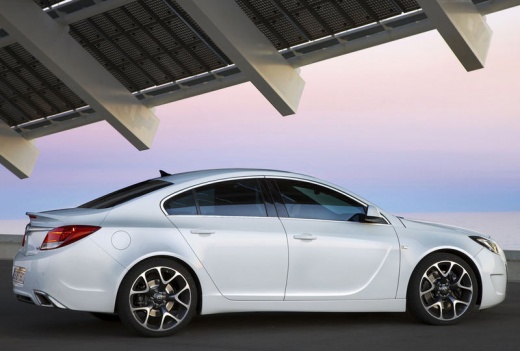
Instructions for the Navi 900 Intellilink on Opel Insignia MK1
Model: Vauxhall Insigna
MK 1, Insigna A
- Years:
2008, 2009, 2010, 2011, 2012, 2013, 2014, 2015, 2016, 2017
Video tutorial
The Navi 900 Intellilink does not connect with Apple CarPlay or Android Auto. Naturally, as with the Insignia, each car may differ. To see the temperature inside the vehicle without turning on the air conditioning, press the top left where the outside temperature appears, and you will briefly see this data. Second tip: you can activate the analogue clock even while listening to music by pressing the time display at the top right. To deactivate it, simply touch it. Third tip: on the "home" screen, you can arrange the icons as you wish by pressing and holding an icon and moving it. Fourth tip: the volume is also visible on the speedometer and can be adjusted from the screen without using the steering wheel controls. To turn off the radio, you can do so using voice commands, the radio button, or the steering wheel controls. You can also "navigate" a specific artist by searching for all their songs before moving on. You can choose to show or hide your favourite radio stations by simply "pulling them up" with your finger. Favourite radio stations can be expanded up to 60, and you can rename them or change their position. There is also a secret menu activated by pressing the "home" button, the "on/off" button, and the "menu" button, which takes you to a special screen. Use the scroll wheel to navigate this menu. Many of these details are unknown to the YouTuber, who only knows about the GPS, which displays speed, altitude, number of satellites, gyroscope, and temperature. Then we have the voice control, which we all know how to use well for the navigation system, and similarly, by speaking clearly, it can also assist with the SD card for the songs we may have loaded onto it. To format the USB stick correctly, the YouTuber uses the MP3Tag program.
Updated on 28 June 2026 by ScegliAuto
Related tutorials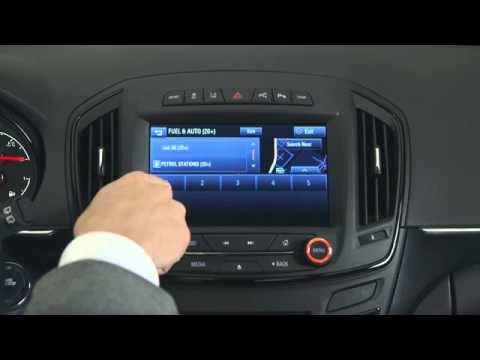
Vauxhall Insigna
(2008-2017 /
MK 1, Insigna A)
The onboard intelligence and infotainment system used in the Vauxhall Insignia is called "IntelliLink". It is an advanced system designed to offer a …
Vauxhall Insigna
(2008-2017 /
MK 1, Insigna A)
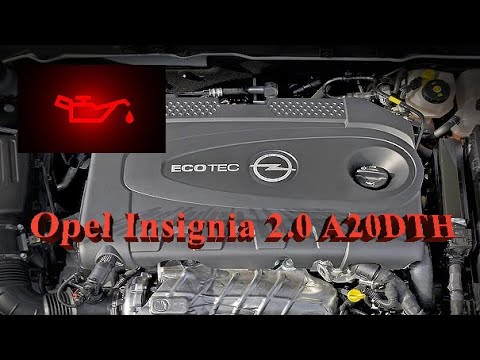
In this video, you can see the consequences of low oil pressure on the engine of an Opel Insignia 2.0 with an A20DTH engine. A small rubber seal inst…
Vauxhall Insigna
(2008-2017 /
MK 1, Insigna A)
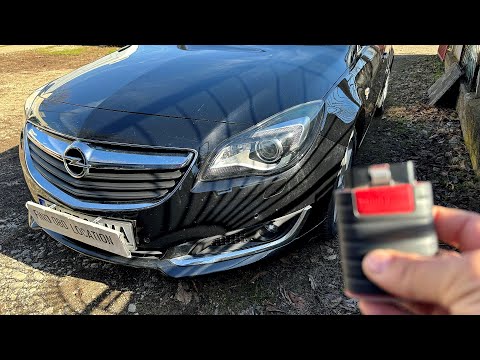
When you encounter issues with the control unit of your 2011 Opel Insignia A, you can attempt to diagnose the problem using a suitable diagnostic too…
Other guides you may be interested in
|
How to Remove the Rear Seat of a Hyundai Tucson?
To remove the rear seat of a Hyundai Tucson, follow these steps. Start by moving the front seats to their most forward position to gain space. Next, locate the release lever on the underside of the rear seat, near the floor. Press this lever down while pulling the seat upwards to unlock it from the anchor pins. Once unlocked, tilt the seat upwards and forwards to remove it from its position. Repeat this process for both sides of the rear seat. Be careful of any electrical cables or components that may be connected to the seat during removal. Once the rear seat is removed, the disassembly is complete. by ScegliAuto More videos
|
For advertising on this site Write to info@scegliauto.com
ScegliAuto is not responsible for any inaccuracy of the data in the lists. To report any inaccuracy or your business (if you own the business in question), please write to info@scegliauto.com
Number of seconds to generate the page: 0.083
(c) ScegliAuto 2026 - info@scegliauto.com - Privacy policy VAT number: IT01247470535 |
