
|
Do it yourself
| |||
| ||||



How to Replace the Rear Brake Pads on the Opel Astra H
Model: Vauxhall Astra
Astra H
- Years:
2004, 2005, 2006, 2007, 2008, 2009, 2010
Video tutorial
This guide will illustrate the procedure for replacing the rear brake pads on the Opel Astra H. The procedure requires some tools listed at the beginning of the video, including: WD-40, various lubricants and degreasers, spanners, and a power drill. Once you have gathered the necessary tools, follow these steps: 1. Unscrew the bolts of the rear wheels; 2. Clean the brake caliper mounting points; 3. Remove the respective rear brake calipers; 4. If necessary, use the recommended lubricants and degreasers during the removal of the caliper connections, always proceeding with care, precision, and particular attention; 5. Replace the old pads with new replacements; 6. Reverse the procedure to reassemble everything; 7. Just before finishing the reassembly, replace the brake fluid, ensuring the cap is tightened well at the end, and clean the outer part of the brake discs.
Updated on 11 July 2026 by ScegliAuto
Related tutorials
Vauxhall Astra
(2009-2016 /
Astra J)
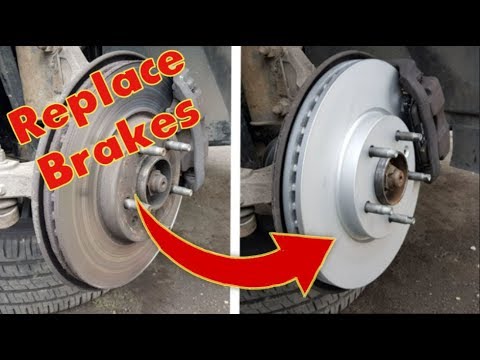
Today, we will go through the instructions that will allow you to disassemble and replace the rear brake pads on the Opel Astra. First, lift the vehi…
Vauxhall Astra
(2009-2016 /
Astra J)
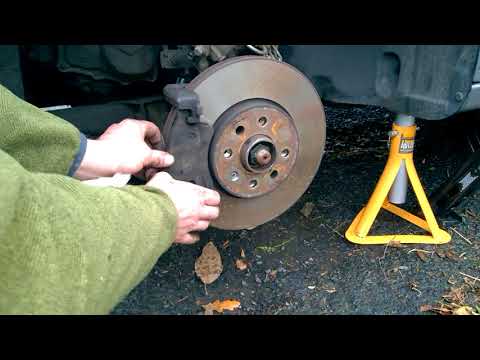
Are the front pads due for replacement? Let's see how to replace the front pads on an Opel Astra. Lift the car on a column lift to the desired height…
Vauxhall Astra
(2009-2016 /
Astra J)
How do you replace the brake pads on an Opel Astra? This guide shows the disassembly of the brake components. Remove the wheel to access the brake di…
Other guides you may be interested in
|
How to Set the Time in an Audi A4?
In this tutorial, you will see how to set the time in an Audi A4, a very simple and quick operation to perform after replacing the battery or when the time changes. First, insert the key and turn on the instrument cluster. Then, press the "SETUP" button located on the center console. Next, press the upper left arrow button, navigate to the "Time" option, and use the central knob to adjust the clock. Finally, set any necessary formats and save by returning to the main screen. by ScegliAuto More videos
|
|
For advertising on this site Write to info@scegliauto.com
ScegliAuto is not responsible for any inaccuracy of the data in the lists. To report any inaccuracy or your business (if you own the business in question), please write to info@scegliauto.com
Number of seconds to generate the page: 0.042
(c) ScegliAuto 2026 - info@scegliauto.com - Privacy policy VAT number: IT01247470535 |
