
|
Do it yourself
| |||
| ||||


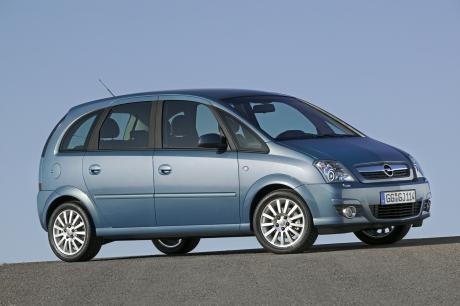
How to Remove the EPS from the Opel Meriva
Model: Vauxhall Meriva
Meriva A, MK 1
- Years 2003-2010
Follow this step-by-step guide on how to remove and replace the EPS from the Opel Meriva by following these simple steps. First, disconnect the battery; then, get inside the vehicle and remove the steering wheel by taking out the airbag and disconnecting the electrical connector, as shown in the video. Next, disconnect the various electrical plugs to remove the indicator stalk; then, unscrew the EPS bolts to detach it and remove it from the dashboard, applying the reverse procedure for reassembly!
Updated on 8 August 2026 by ScegliAuto
Video tutorial
Related tutorials
Vauxhall Meriva
(2010-2017 /
MK 2, Meriva B)
If you want to easily and independently locate the OBD port inside your Opel Meriva second edition (year 2016), all you have to do is read the follow…

Vauxhall Meriva
(2010-2017 /
MK 2, Meriva B)
These short and simple instructions will show us how to disassemble and replace the serpentine belt of the Opel Meriva 1.4. First, we open the car's …
Vauxhall Meriva
(2010-2017 /
MK 2, Meriva B)
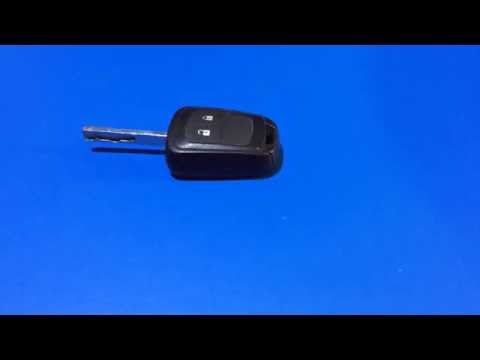
To disassemble the key/remote of the Opel Meriva, first, release the metal key from its housing by simply pressing the small button that locks it in …
Other guides you may be interested in
|
Frequently Asked QuestionsHow to Check the Oil Level on a Jeep Renegade?
To check the oil level on a Jeep Renegade, you need to open the bonnet to access the components inside the engine bay: on the lower left side of the engine block, you will find the dipstick for checking the level. This should be pulled out and thoroughly cleaned with a cloth: once cleaned, reinsert it back into its tube and pull it out immediately after. This way, you can check that the oil mark is between the minimum and maximum levels; finally, you can place the dipstick back in its tube. by ScegliAuto More videos
|
For advertising on this site Write to info@scegliauto.com
ScegliAuto is not responsible for any inaccuracy of the data in the lists. To report any inaccuracy or your business (if you own the business in question), please write to info@scegliauto.com
Number of seconds to generate the page: 0.125
(c) ScegliAuto 2026 - info@scegliauto.com - Privacy policy VAT number: IT01247470535 |
