
|
Do it yourself
| |||
| ||||


How to Reset the Oil Service Light on the Opel Astra?
Model: Vauxhall Astra
Astra G
- Years 1998-2006
Resetting the oil service light on the Opel Astra, as shown in this tutorial, is an extremely simple and quick operation. Before proceeding, ensure that the required scheduled maintenance work has been completed. Start by entering the cabin, then insert the key but leave it in the initial position. Next, press the button between the fuel gauge and the speedometer, turn on the ignition simultaneously, and keep the button pressed until the service light resets completely. Finally, restart the vehicle.
Updated on 28 August 2026 by ScegliAuto
Video tutorial
Related tutorials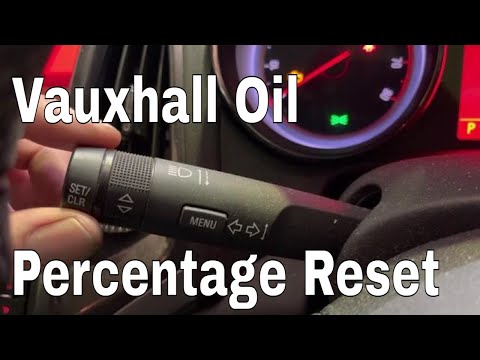
Vauxhall Astra
(2009-2016 /
Astra J)
Resetting the oil service on the Opel Astra, as shown in this tutorial, is an extremely simple and quick operation. Before proceeding, ensure that yo…
Vauxhall Astra
(2015-2022 /
Astra K)
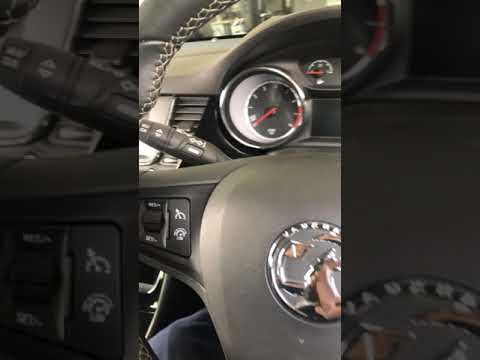
Resetting the oil service light on an Opel Astra is an extremely simple and quick operation. Before proceeding, make sure you have completed the requ…
Vauxhall Astra
(2009-2016 /
Astra J)
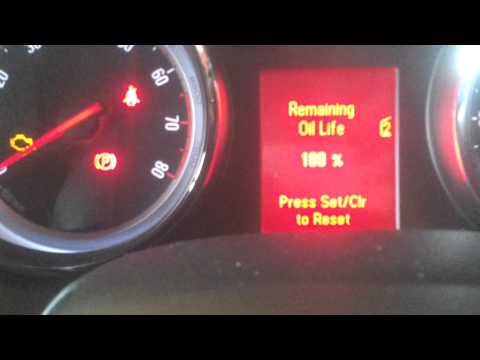
As you can see in this tutorial, resetting the oil service on an Opel Astra is an extremely simple and quick operation. Before doing this, ensure tha…
Other guides you may be interested in
|
How to Bleed the Clutch on a Renault Clio?
To bleed the clutch on a Renault Clio, open the bonnet to access the components located in the engine bay: here, you will need to undo the screws that secure the battery in its housing, the intake manifold, and the coolant reservoir. This will allow you to locate the pipe through which the brake fluid flows: by inserting the other end of the pipe into a container, you can press the clutch pedal to expel all the fluid until it fills the container. by ScegliAuto More videos
|
|
For advertising on this site Write to info@scegliauto.com
ScegliAuto is not responsible for any inaccuracy of the data in the lists. To report any inaccuracy or your business (if you own the business in question), please write to info@scegliauto.com
Number of seconds to generate the page: 0.575
(c) ScegliAuto 2026 - info@scegliauto.com - Privacy policy VAT number: IT01247470535 |
