
|
Do it yourself
| |||
| ||||


How to replace the battery of the Opel Insignia
Model: Vauxhall Insigna
Insigna A, MK 1
- Years 2008-2017
If you want to replace the battery of your Opel Insignia, but you don't know the steps to follow, then all you have to do is read the following guide carefully and apply the described procedure. First of all, make sure you have parked the vehicle on a flat surface and turned it off completely. Immediately after, lift the front hood and locate the battery on the right side. At this point, remove the protective cover and proceed with the removal of both poles. Finally, remove the battery and replace it with a new one.
Posted on 12 July 2024 by ScegliAuto
Video tutorial
Related tutorials
Vauxhall Insigna
(2017-2026 /
MK 2, Insigna B)
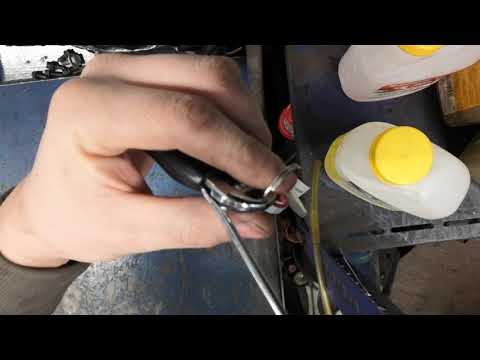
When the remote control of your Opel Insignia B suddenly stops working, it is important that you know how to replace the battery located inside it. T…
Vauxhall Insigna
(2017-2026 /
MK 2, Insigna B)
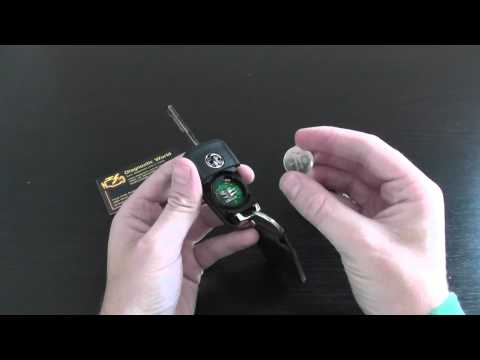
In short, we will discover the necessary instructions to open the key remote and replace its battery for the Opel Insignia. First, we take our remote…
Vauxhall Insigna
(2008-2017 /
Insigna A, MK 1)
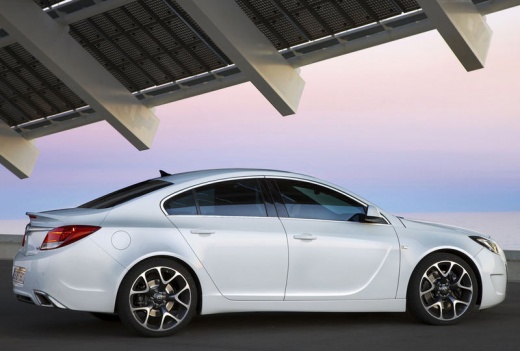
To replace the battery of the Opel Insignia remote, press the button at the top of the device to lift the key. Once lifted, pry inside its housing to…
Other guides you may be interested in
|
How to Adjust the Brightness of the Instrument Cluster on a Peugeot 3008?
To adjust the brightness of the instrument cluster on a Peugeot 3008, you need to turn on the ignition and access the settings via the menu located in the central area of the dashboard. In the screen that appears, select the "Display Configuration" option: now, by selecting the "Brightness" option, you can adjust it using the dedicated slider that will appear on the screen. The adjustment should be made with the headlights on as well as with them off. Once the adjustment is complete, you can turn off the instrument cluster. by ScegliAuto More videos
|
|
For advertising on this site Write to info@scegliauto.com
ScegliAuto is not responsible for any inaccuracy of the data in the lists. To report any inaccuracy or your business (if you own the business in question), please write to info@scegliauto.com
Number of seconds to generate the page: 0.133
(c) ScegliAuto 2026 - info@scegliauto.com - Privacy policy VAT number: IT01247470535 |
