
|
Do it yourself
| |||
| ||||


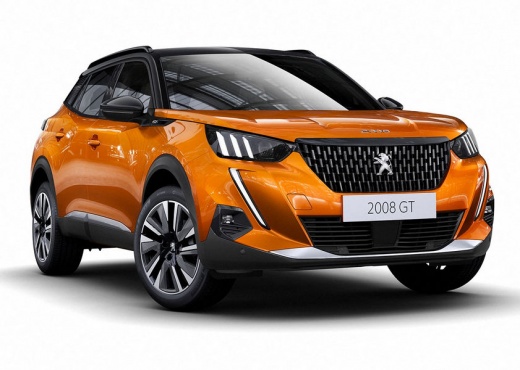
How to Personalise the Interior Lighting of the Peugeot 2008
Model: Peugeot 2008
MK 2
- Years:
2019, 2020, 2021, 2022, 2023, 2024, 2025, 2026
Video tutorial
The personalisation of the interior lighting of the Peugeot 2008 is managed entirely from the touchscreen, as shown in the video. Turn on the instrument panel, go to the main menu, and access the "settings" button. Select "ambient" or "lighting". A colour wheel or palette with various pre-set shades will open. Touch the desired colour and the LED strips in the cabin (on the dashboard, in the centre console, in the door) will change immediately. Next to the colour selection, there will be a slider or a +/- selector: by moving the slider, you can make the light brighter or dimmer, even turning it off completely if desired. This feature is typical of the more equipped versions (Allure, GT GT pack) and of the second generation (2023 facelift).
Posted on 9 February 2026 by ScegliAuto
Related tutorials
Peugeot 2008
(2019-2026 /
MK 2)
All electronic parts in a vehicle are protected by specific fuses that can be located in various parts of the car. Here, we will see where they are i…

Peugeot 2008
(2013-2019 /
MK 1)
Thanks to the steps described in the following guide, you can easily locate the fuse box of the interior of your first generation Peugeot 2008. First…

Peugeot 2008
(2019-2026 /
MK 2)
If you have not yet located the OBD2 port on your Peugeot 2008 second series, do not worry as this guide provides all the information you need to fin…
Other guides you may be interested in
|
How to reset the tyre pressure warning light on the Kia Niro EV?
To reset the tyre pressure warning light on the Kia Niro EV, inflate the tyres until they reach the correct pressure value. This value is indicated on the sticker attached to the driver's door pillar. Once the tyres are inflated, turn on the instrument cluster to check that the warning light has completely disappeared from the display. If it is still present, you may need to drive for a few miles to ensure it disappears completely from the screen. by ScegliAuto More videos
|
|
For advertising on this site Write to info@scegliauto.com
ScegliAuto is not responsible for any inaccuracy of the data in the lists. To report any inaccuracy or your business (if you own the business in question), please write to info@scegliauto.com
Number of seconds to generate the page: 0.032
(c) ScegliAuto 2026 - info@scegliauto.com - Privacy policy VAT number: IT01247470535 |
