
|
Do it yourself
| |||
| ||||


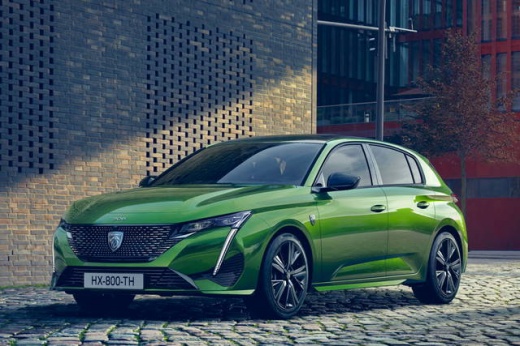
How the Infotainment System of the Peugeot 308 Works
Model: Peugeot 308
P5, MK 3
- Years:
2021, 2022, 2023, 2024, 2025, 2026
Video tutorial
The first step is to set up a profile, where you will enter a name and choose one of Peugeot's historical logos. Next, set the language: settings/system/language/English. In the settings, you can further customise each profile. Through connectivity, you can manage your wireless profiles; date and time can be found in: system, along with the option to set fuel consumption in miles per gallon. In audio, you will find the radio settings; in vehicle, the safety and all settings related to the vehicle itself; in updates, you can update the maps; connected services contains paid services. The steering wheel controls are as follows: on the left, you have the controls to activate and deactivate cruise control and speed limiter, and the lever to increase and decrease speed. On the right, you will find the buttons for the radio volume, the button to answer hands-free calls, and the one for making hands-free calls. The lever is used to access radio stations. By clicking with three fingers on the screen, you can access all applications: the first application is for ADAS, which can be activated and deactivated. You can customise the screen by pressing and holding on any point of it. There are also some customisations regarding navigation and climate, the adjustment of the intensity of the heated seat temperature; connection of your smartphone, where Apple CarPlay and Android Auto can also connect wirelessly.
Updated on 27 August 2026 by ScegliAuto
Related tutorials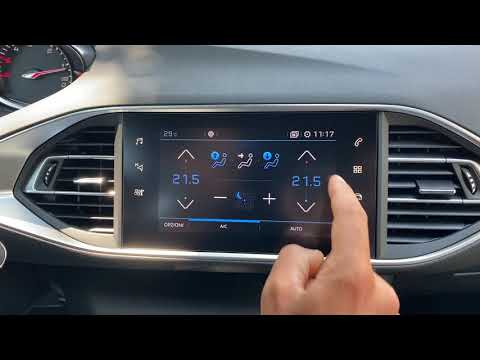
Peugeot 308
(2013-2021 /
T9, MK 2)
The infotainment system in the Peugeot 308 is an advanced system that integrates connectivity, entertainment, and information features to enhance the…
Peugeot 308
(2007-2014 /
T7, MK 1)
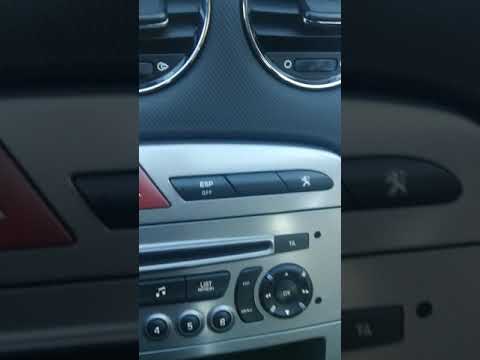
To set the time in the infotainment system of the Peugeot 308, follow these steps: Start the car and turn on the infotainment system. Ensure you are …

Peugeot 308
(2021-2026 /
P5, MK 3)
On the 2025 Peugeot 308, you can restore the entire system to factory settings through the touchscreen display of the infotainment system. There is n…
Other guides you may be interested in
|
How to reset the tyre pressure warning light on the Kia Niro EV?
To reset the tyre pressure warning light on the Kia Niro EV, inflate the tyres until they reach the correct pressure value. This value is indicated on the sticker attached to the driver's door pillar. Once the tyres are inflated, turn on the instrument cluster to check that the warning light has completely disappeared from the display. If it is still present, you may need to drive for a few miles to ensure it disappears completely from the screen. by ScegliAuto More videos
|
|
For advertising on this site Write to info@scegliauto.com
ScegliAuto is not responsible for any inaccuracy of the data in the lists. To report any inaccuracy or your business (if you own the business in question), please write to info@scegliauto.com
Number of seconds to generate the page: 0.031
(c) ScegliAuto 2026 - info@scegliauto.com - Privacy policy VAT number: IT01247470535 |
