
|
Do it yourself
| |||
| ||||


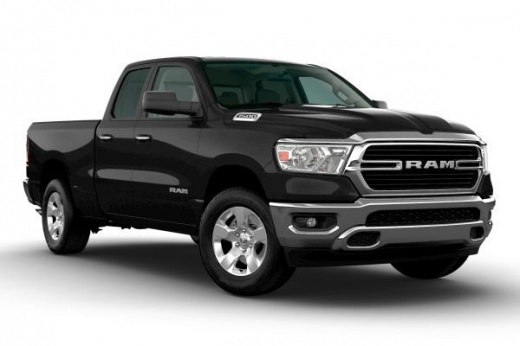
How to adjust the time in the RAM 1500 pick-up?
In this tutorial we can see how to adjust the time in the RAM 1500 pick-up, an extremely simple and quick operation, to be carried out for example after disconnecting the battery or following the switch to daylight saving time. First of all, let's go inside the cabin, then insert the key and turn on the instrument panel. Next, we reach the general menu on the touchscreen display, enter "Settings", "Clock", and adjust both the hour and minutes using the appropriate buttons. In the same screen, we can also adjust the format, and to save the setting, simply return to the main screen.
Posted on 15 December 2024 by ScegliAuto
Video tutorial
Related tutorials
RAM 1500
(2019-2026 /
MK 5, DT)
In this tutorial, we can see how to reset the onboard computer in the RAM 1500 pickup truck, an extremely simple and quick operation to be performed,…

RAM 1500
(2019-2026 /
MK 5, DT)
If one or more devices in our RAM 1500 pickup have suddenly stopped working, the first thing we can do is check the status of the respective fuses, w…
RAM 1500
(2009-2019 /
MK 4, DJ, DS)
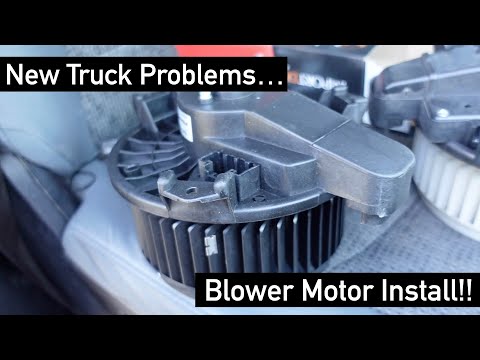
In this tutorial, we can see how to replace the cabin fan in the RAM 1500 pickup, an extremely simple and quick operation. First of all, make sure th…
Other guides you may be interested in
|
How to Replace the Cabin Filter in a Peugeot 207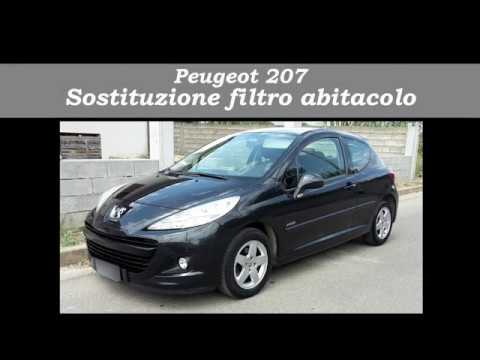
How do you replace the cabin filter (pollen filter) located in a Peugeot 207? Follow these steps to remove the filter from its dedicated housing: use a screwdriver to unscrew the screws of the plastic cover located under the front windscreen, then remove the filter cover using a lever (where the air filter is located). Use a screwdriver to remove the cap from the filter housing and extract the cabin filter. Insert a new filter ensuring it fits snugly around the walls of the box. Finally, reattach the filter box cap and tighten the screws. Close the engine bonnet after assembly. by ScegliAuto More videos
|
|
For advertising on this site Write to info@scegliauto.com
ScegliAuto is not responsible for any inaccuracy of the data in the lists. To report any inaccuracy or your business (if you own the business in question), please write to info@scegliauto.com
Number of seconds to generate the page: 0.174
(c) ScegliAuto 2026 - info@scegliauto.com - Privacy policy VAT number: IT01247470535 |
